KeynotePro : iWork Themes for Professionals


OM for Pages

Attain a Higher Level.

The soothing, sophisticated style of OM comes to Pages with a full suite of eye-catching, highly adaptable templates. Leave the bland, everyday document world behind with a single word.


Breathe new life into your Pages documents with OM for Pages - a sophisticated general purpose template set that will deliver your message in style: no power-tie required.

 
temp
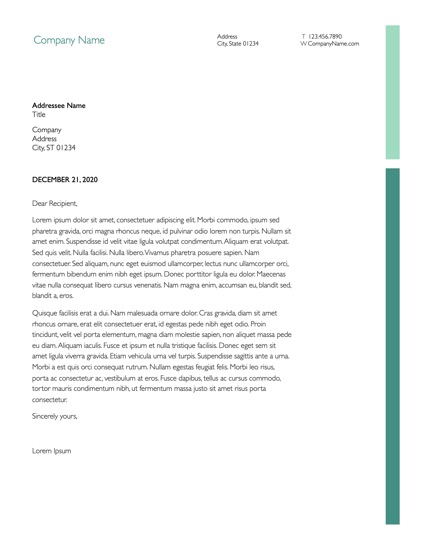
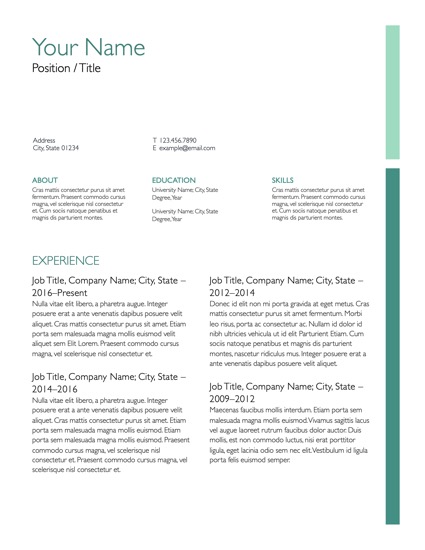
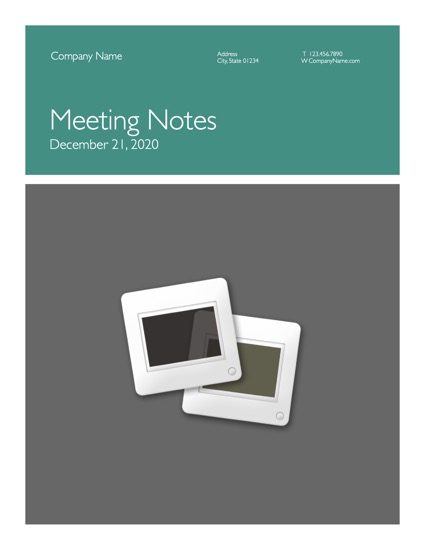
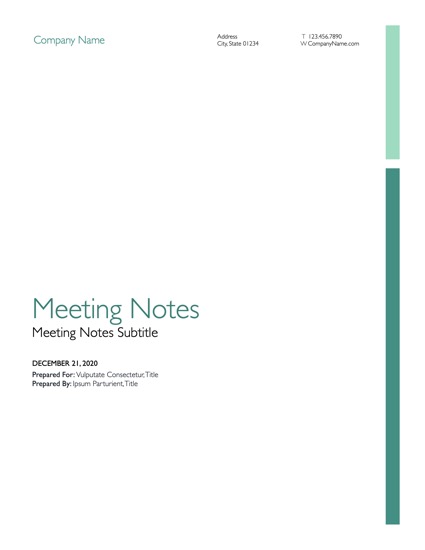
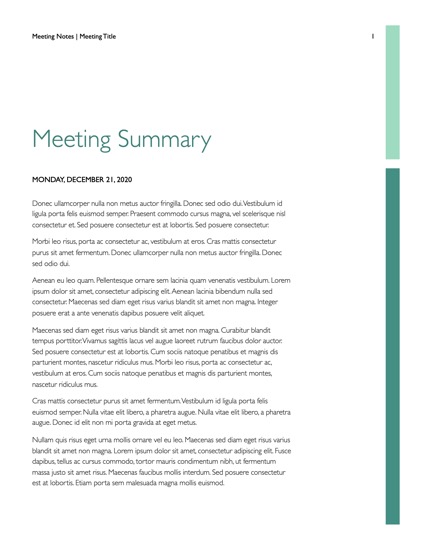
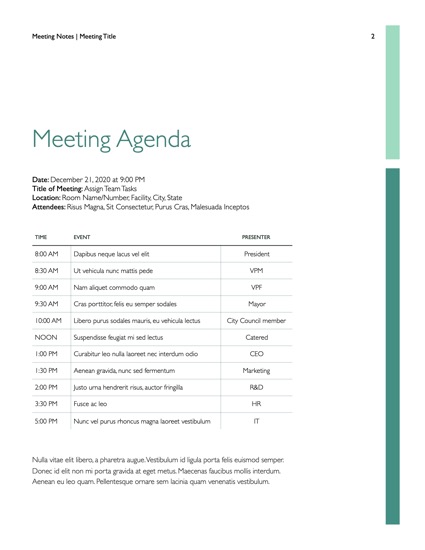
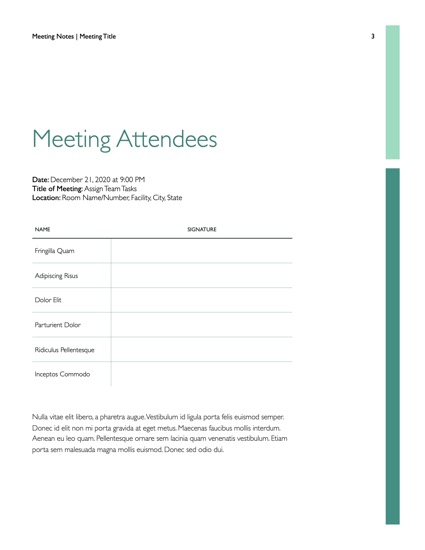
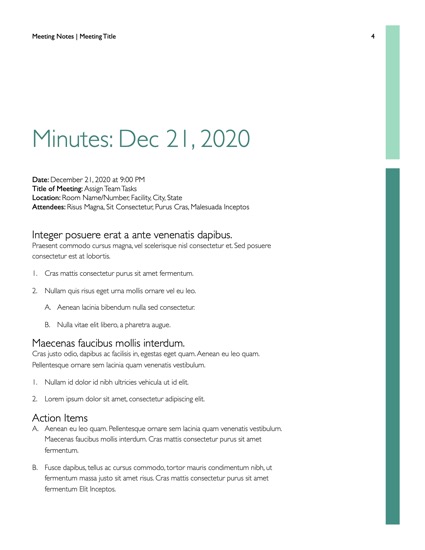
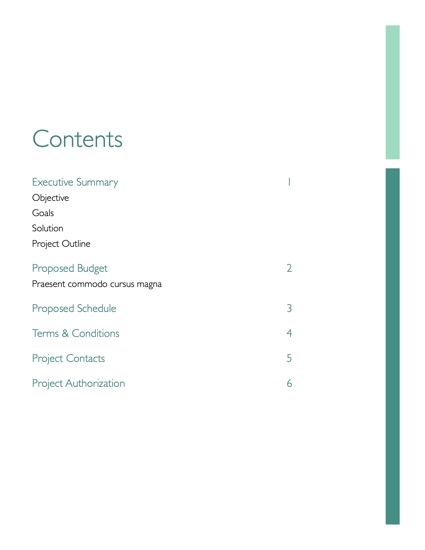
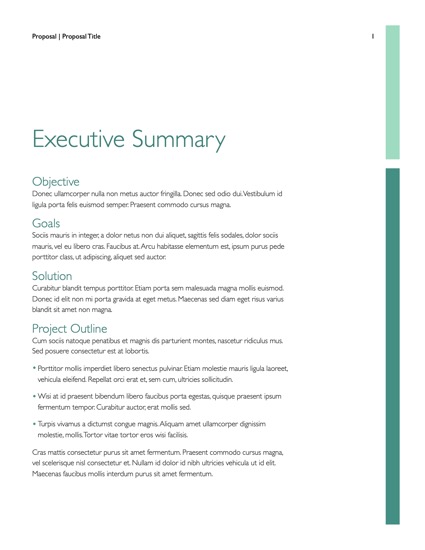
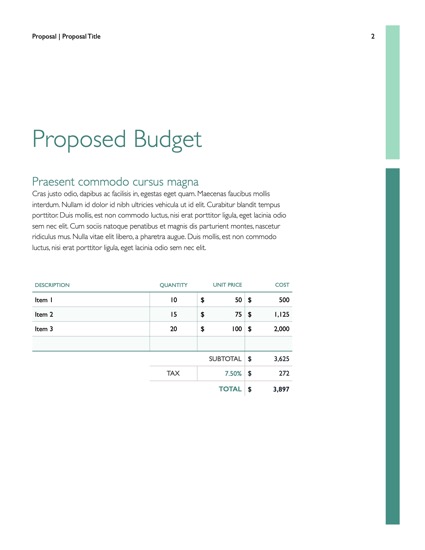
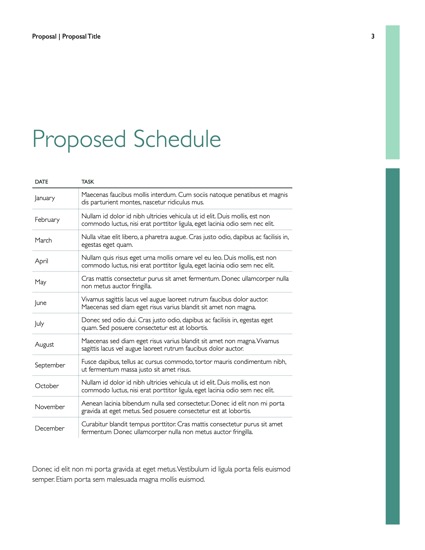
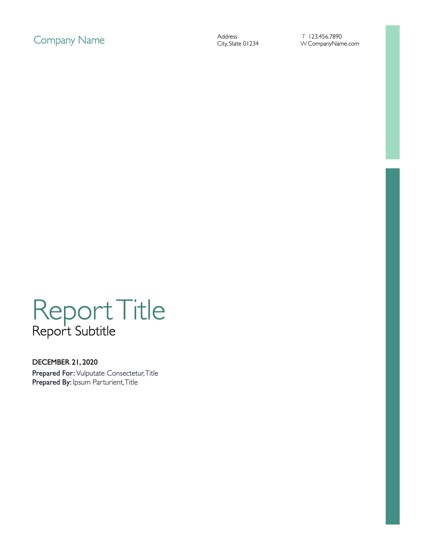
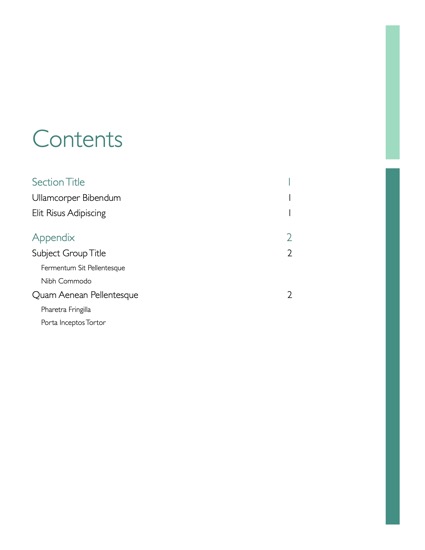
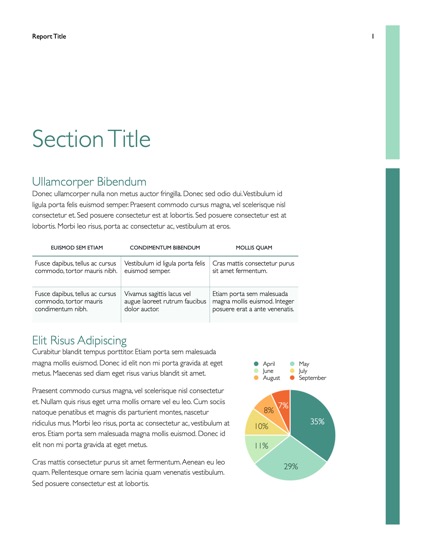
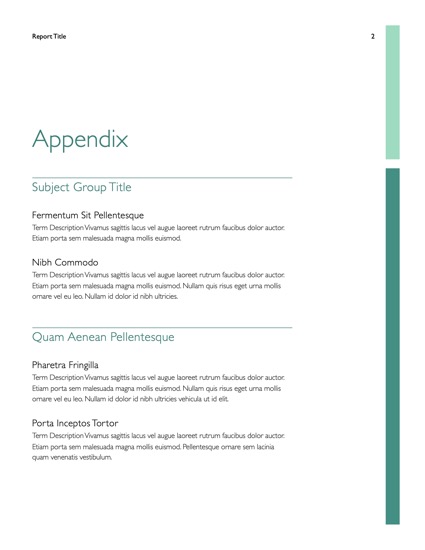
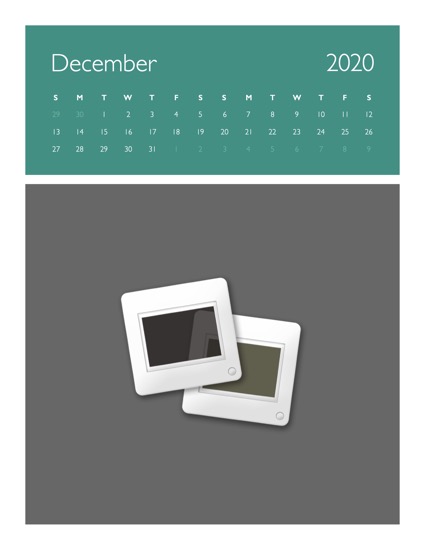
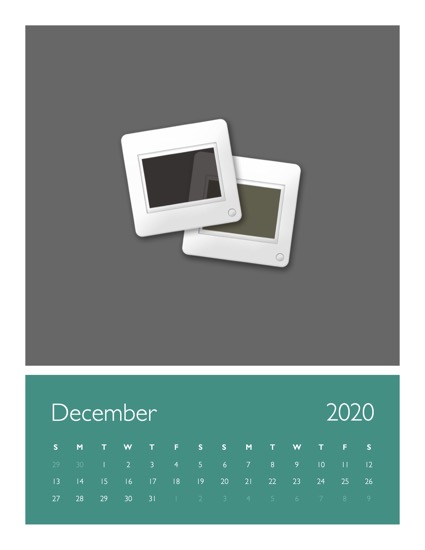
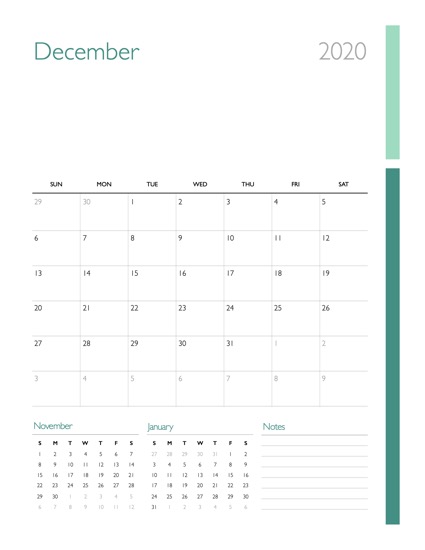
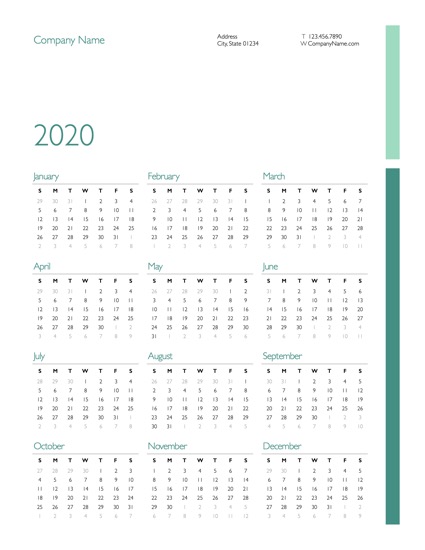
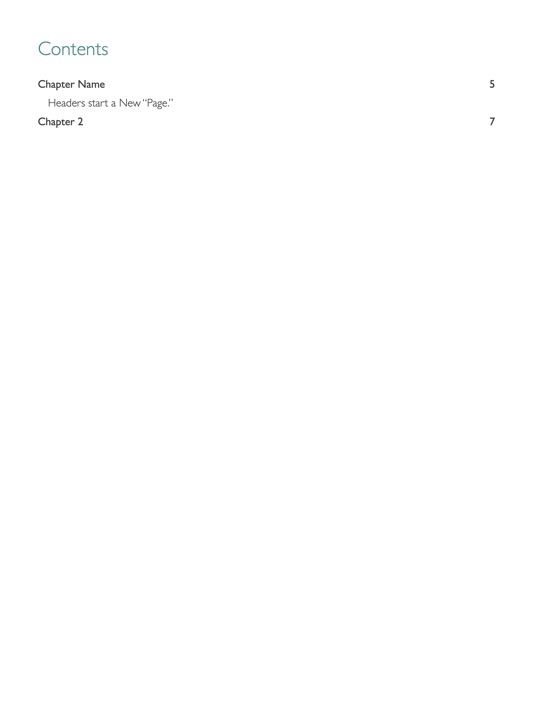
Organized + Agile . OM for Pages includes the everyday essentials for business - including a new Meeting Notes template - in a crisp, sophisticated style.
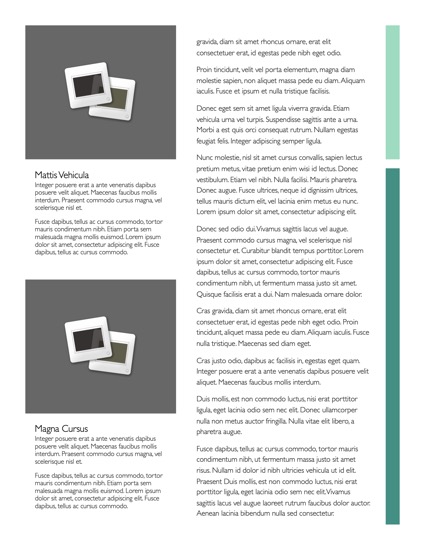
 

The OM templates for Pages, like their Keynote counterparts, blend classic print styling with a crisp and soothing framework, creating a defined structure around the interplay of color and accent.
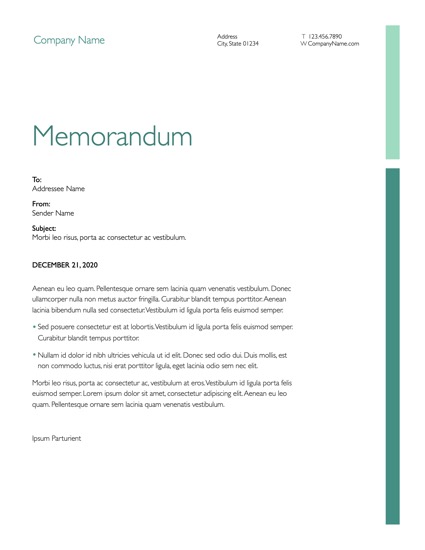
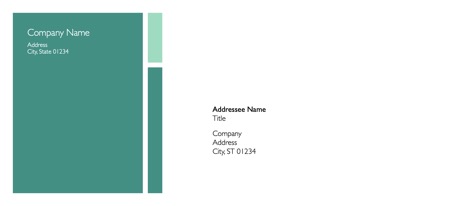
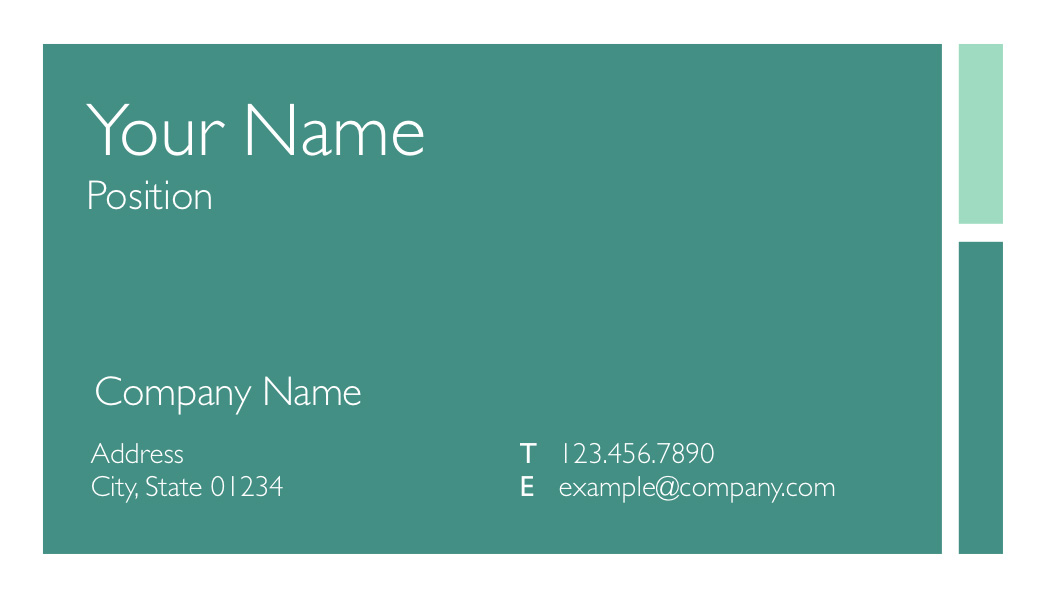
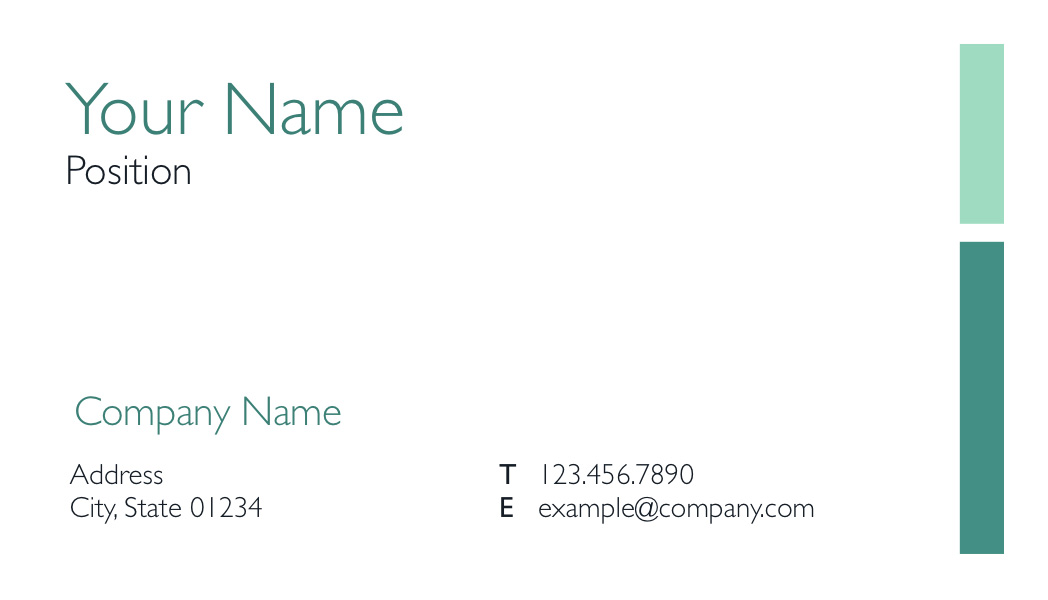
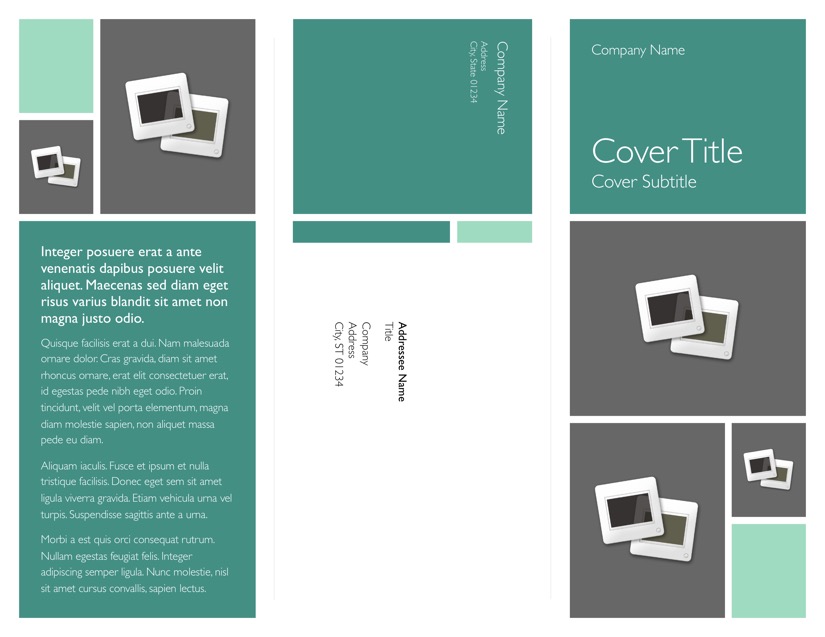
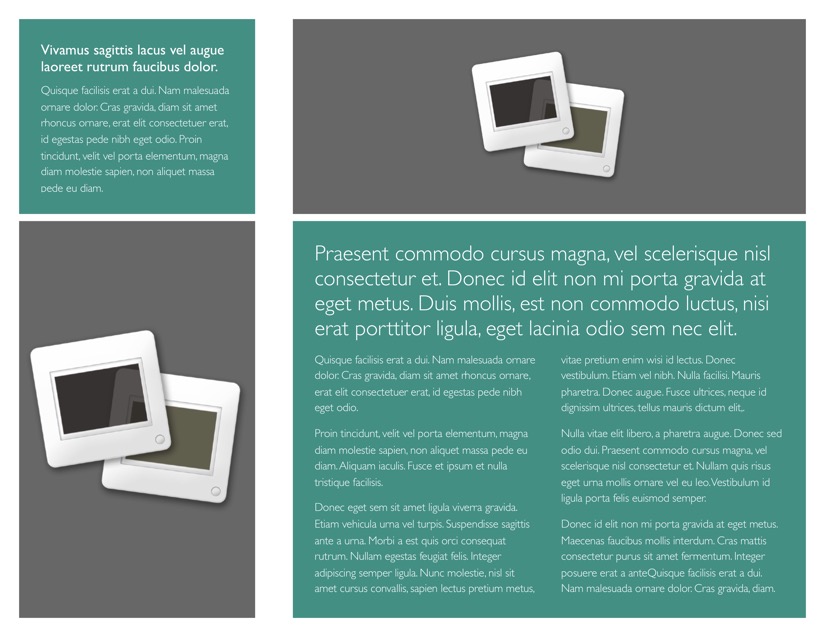
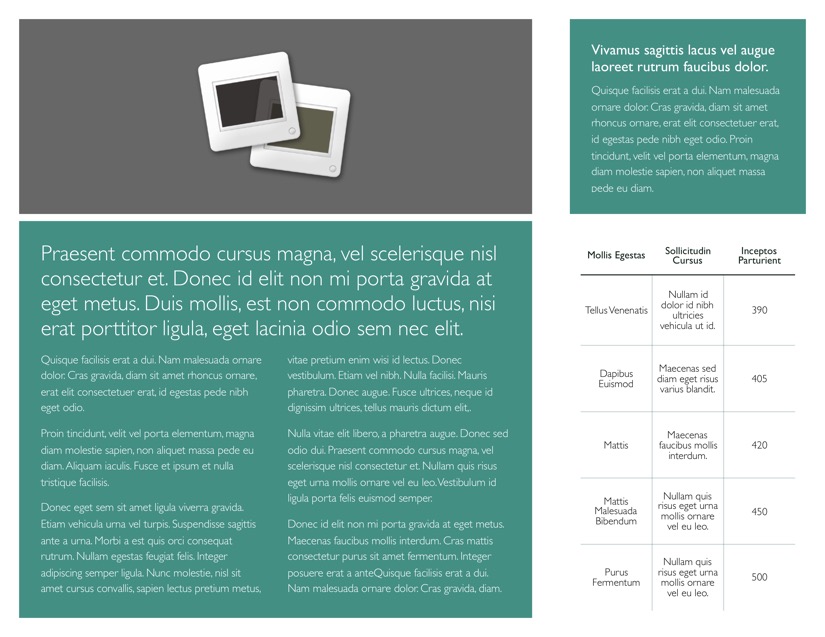
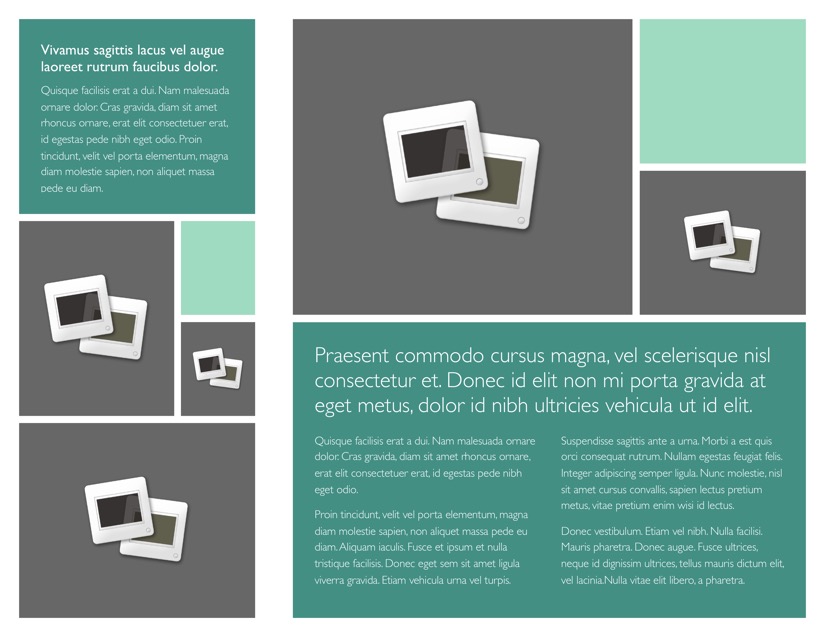
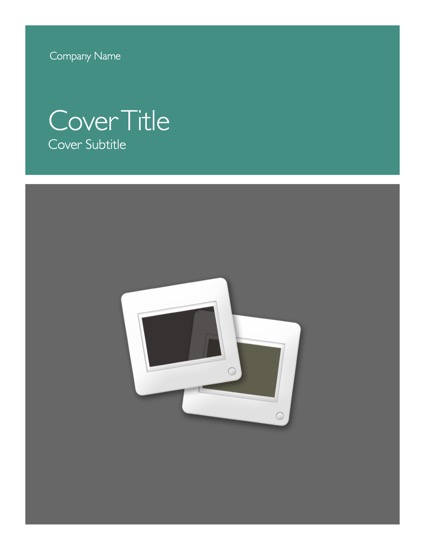
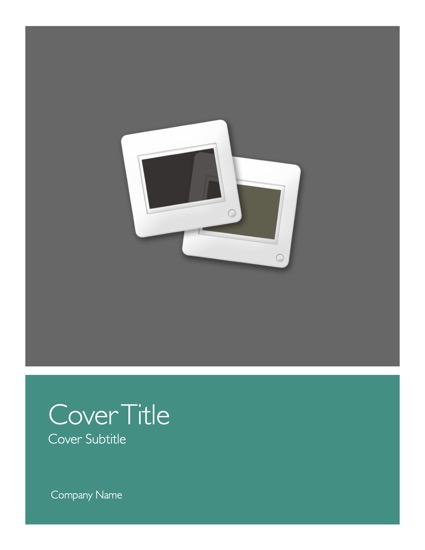
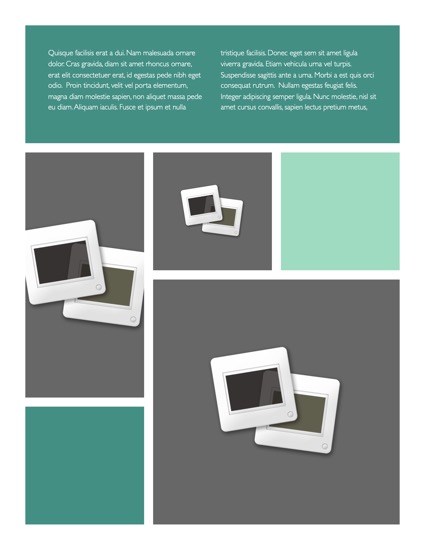
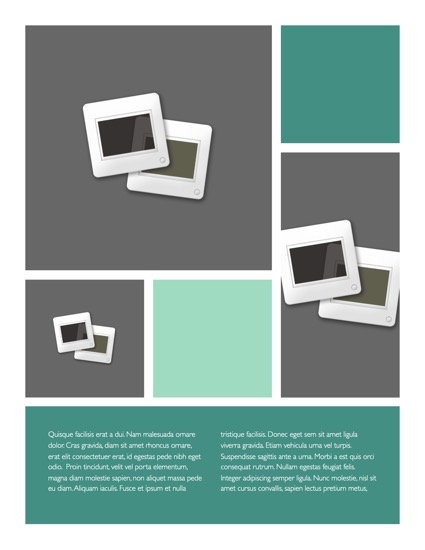
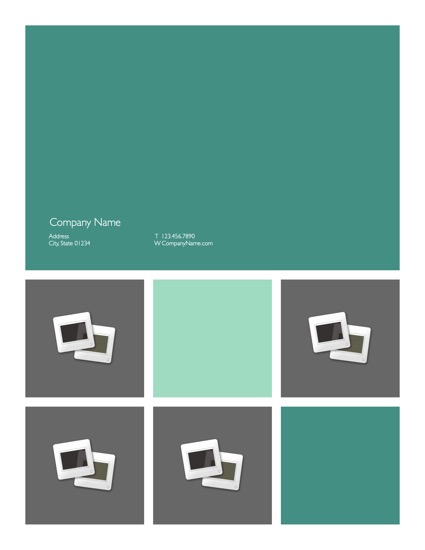
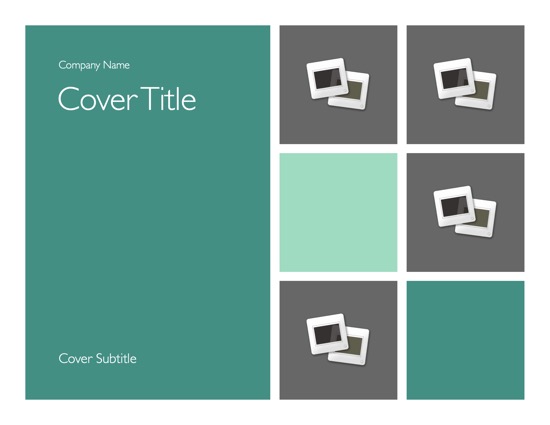
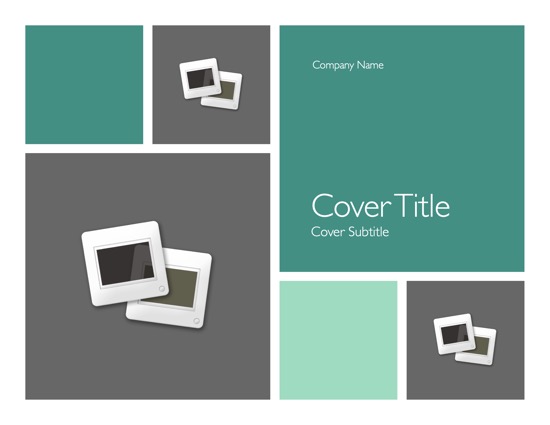
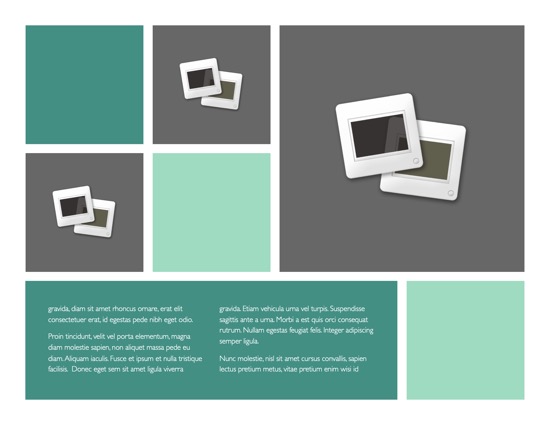
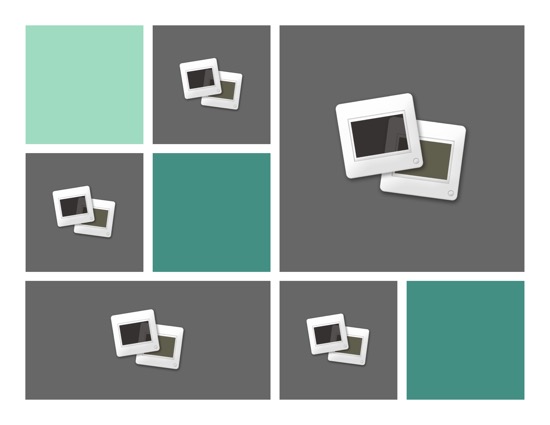
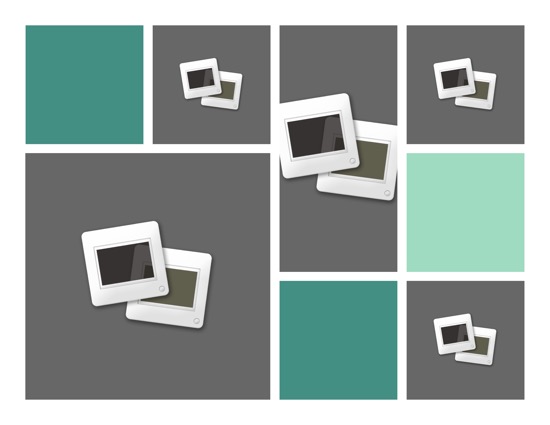
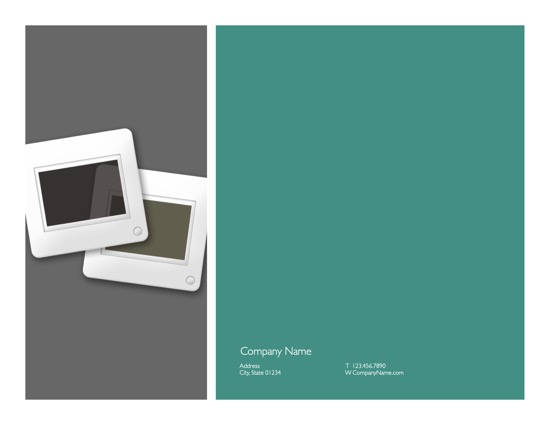
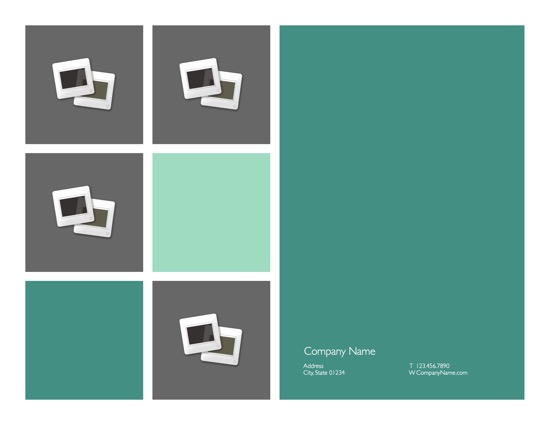
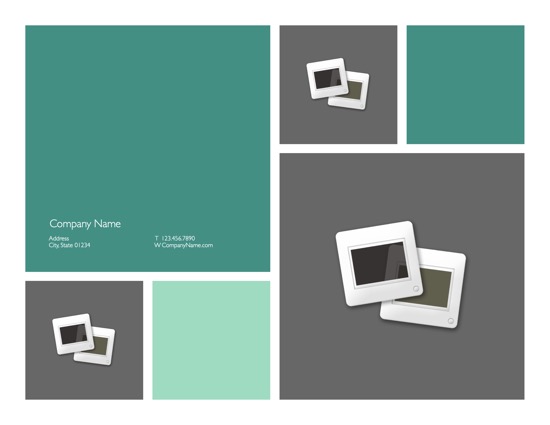
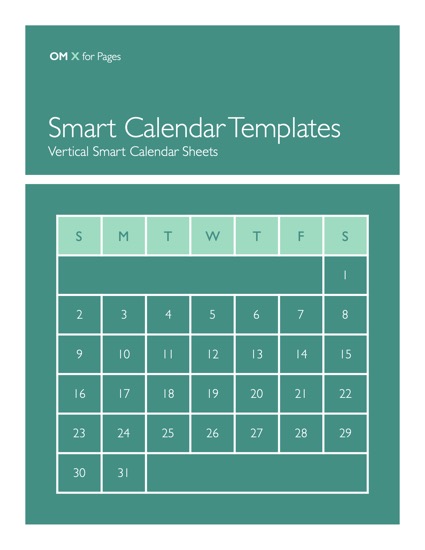
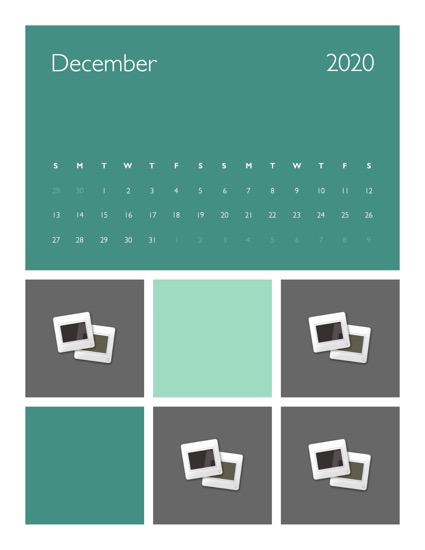
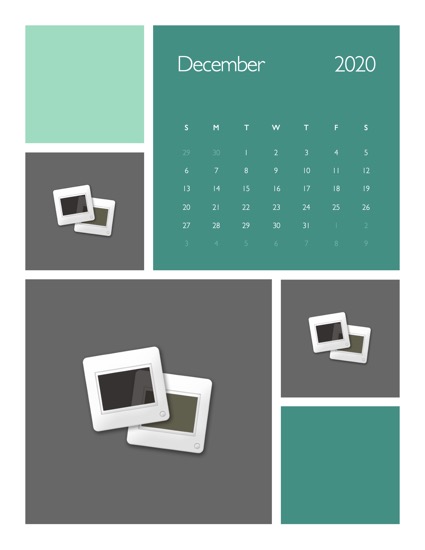
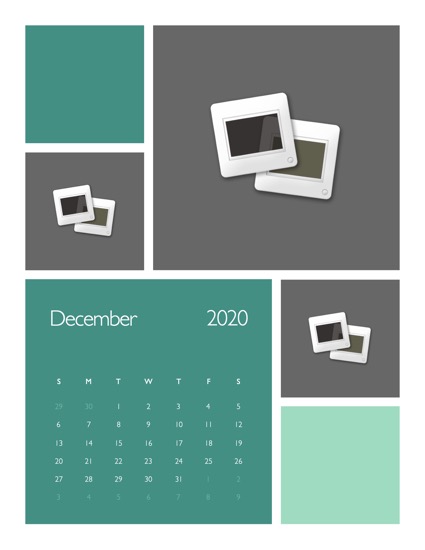
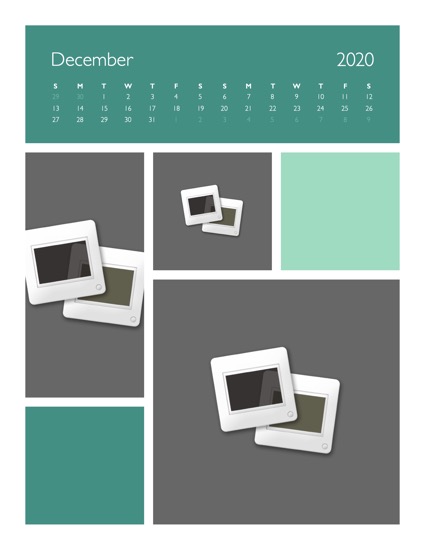
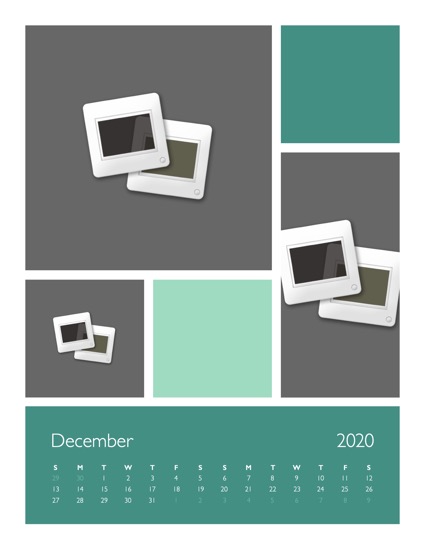
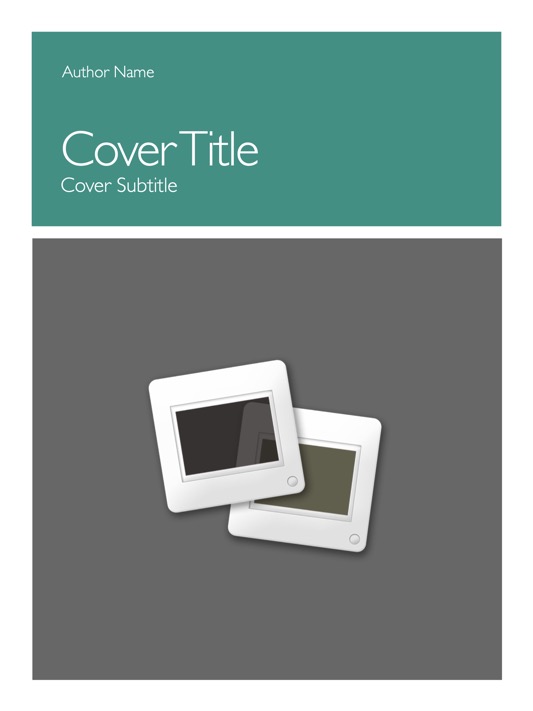
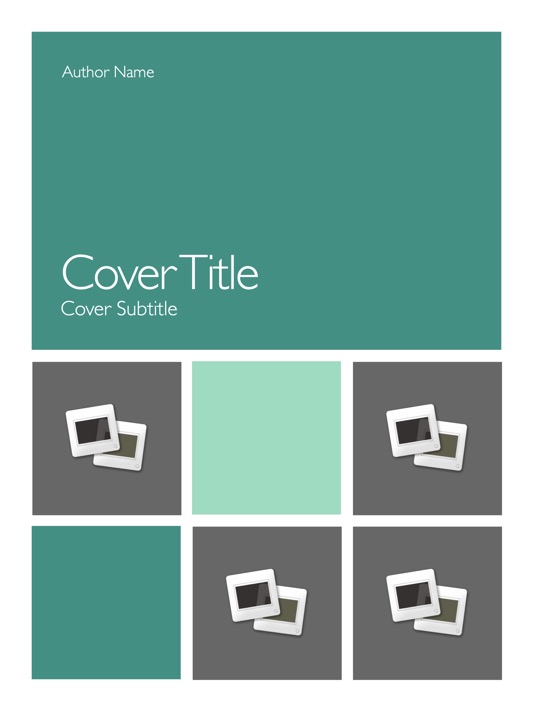
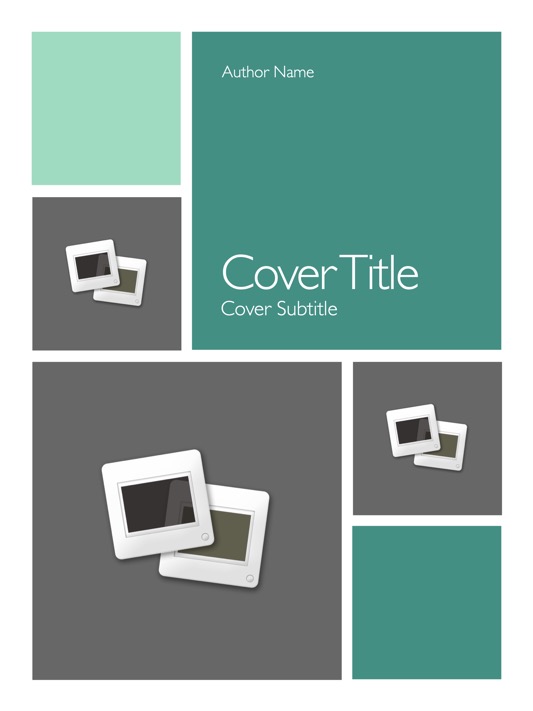
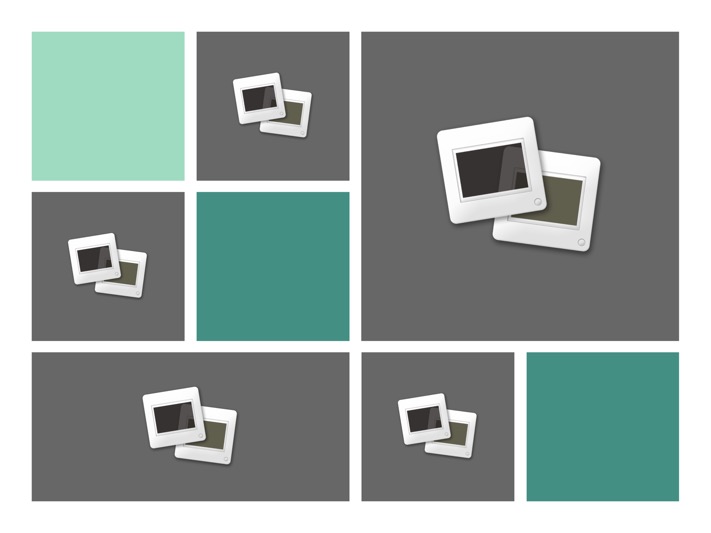
OM for Pages includes up to twelve complete templates (Pro Edition) - from the basics of Letterhead, Memo and Envelope templates to the new Poster and Newsletter templates - giving you a wide range of document types and layout options to choose from, whether you're preparing an Agenda for the weekly meeting or assembling the new Spring Catalog. The included layouts - from single-panel, full-page designs to mixed multi-photo mosaic layouts - are designed with a an eye toward simplicity - a crisp contrast of Sage & Cucumber on white breaking components of each layout into its principal parts, delivering highly organized, stylishly modern templates that are as easy to work with as they are on the eyes.
 
Preview Image
 
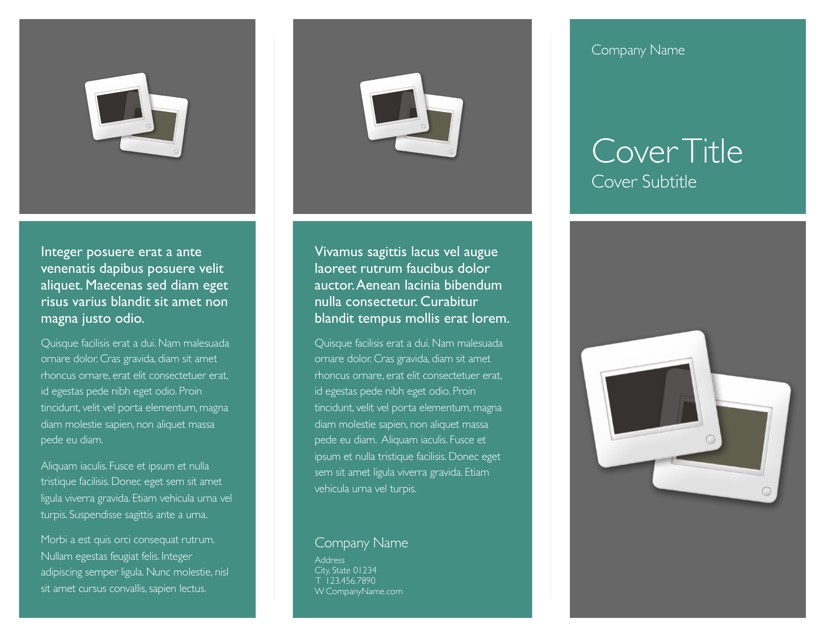
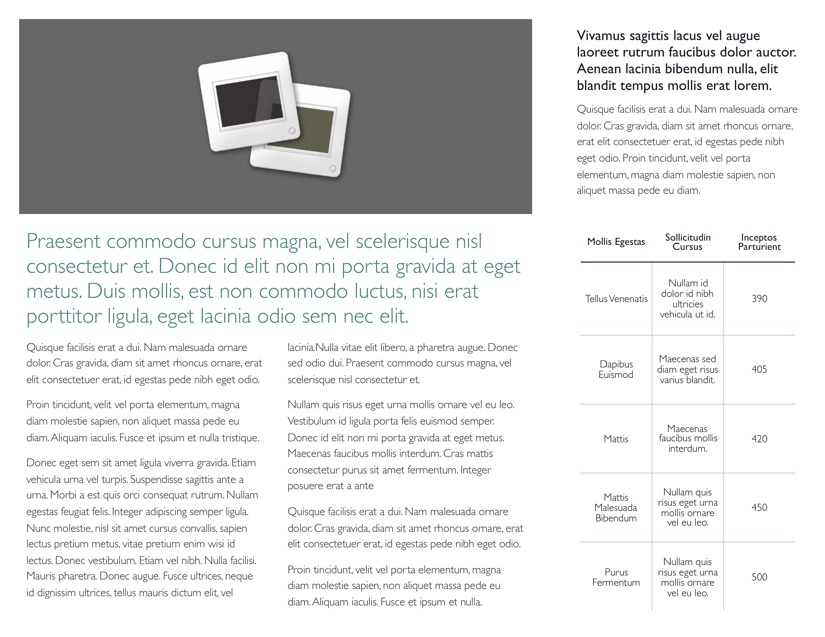
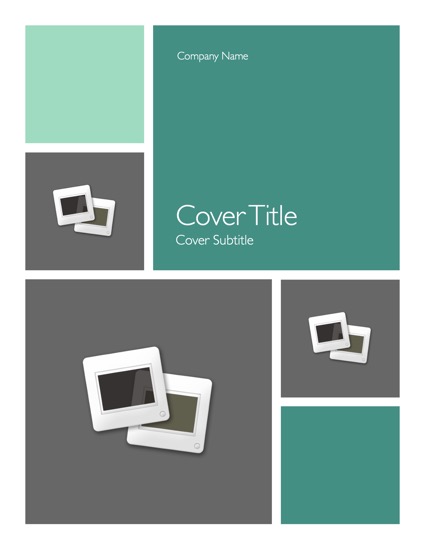
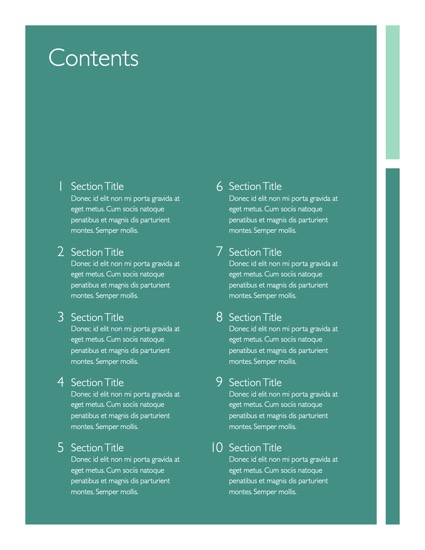
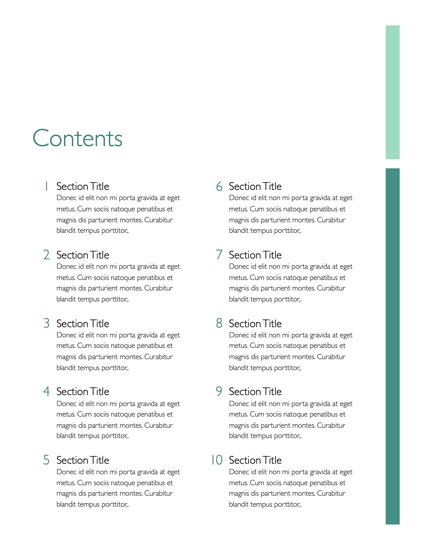
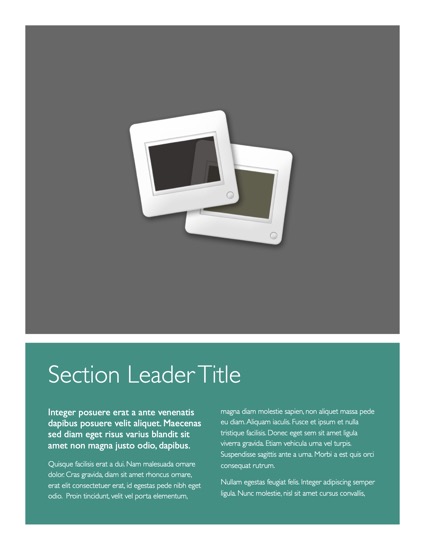
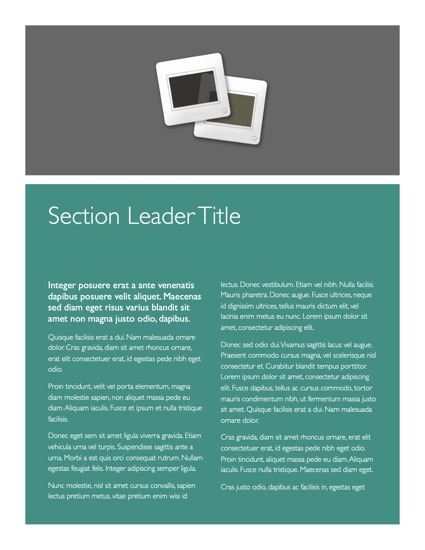
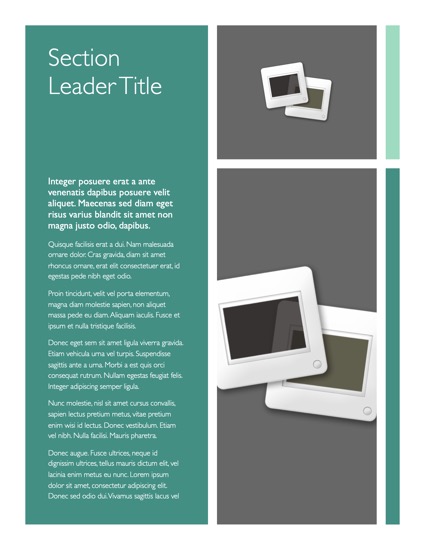
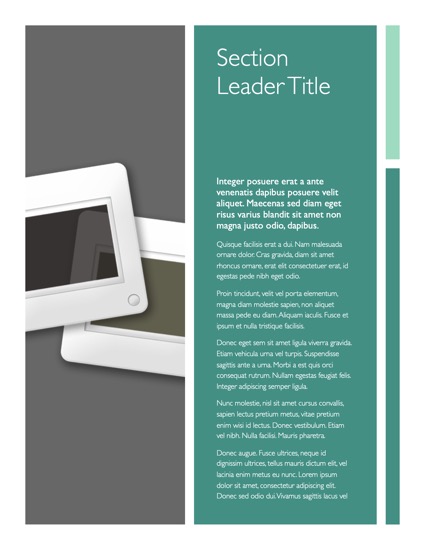
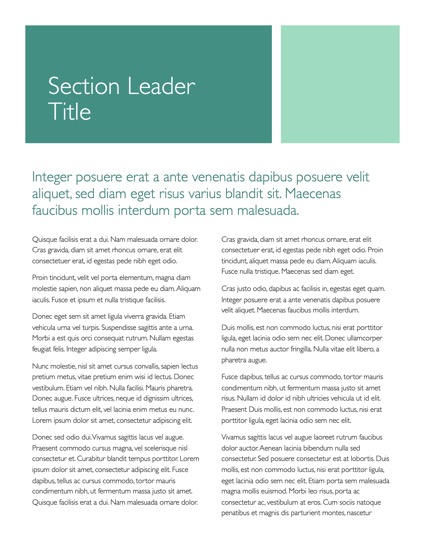
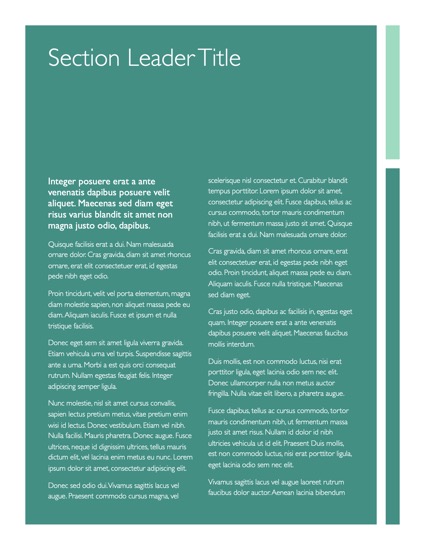
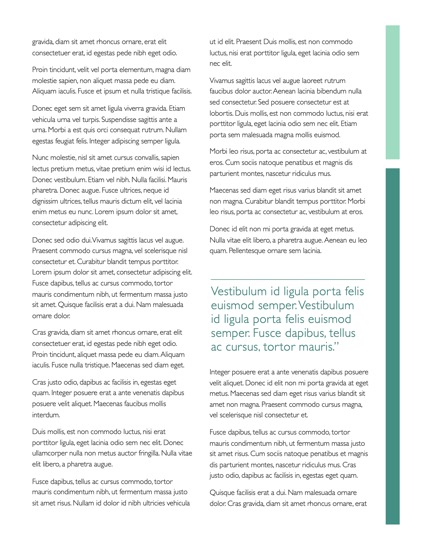
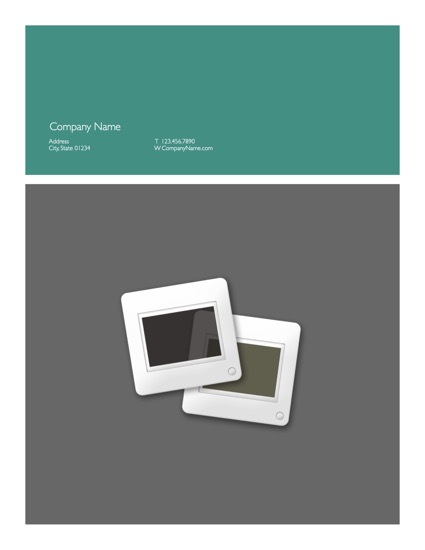
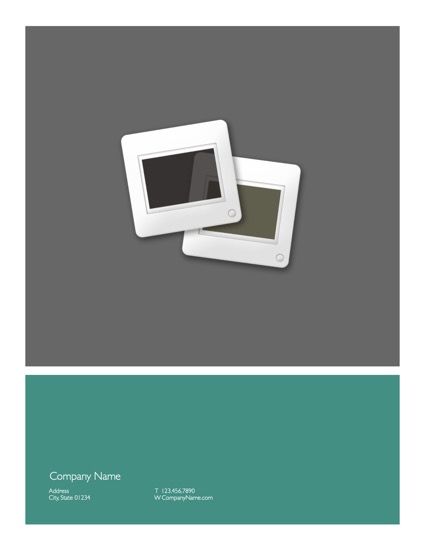
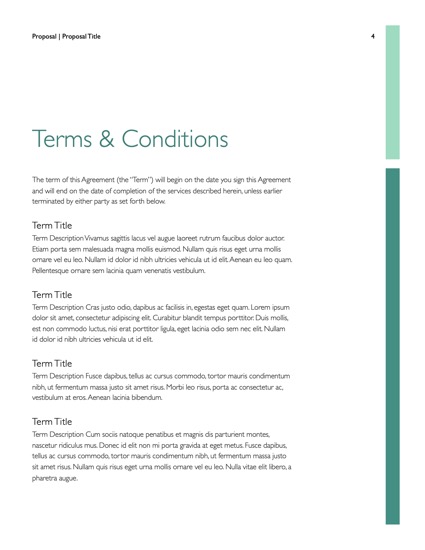
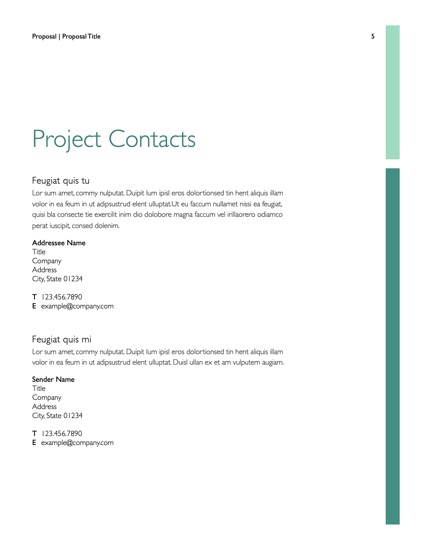
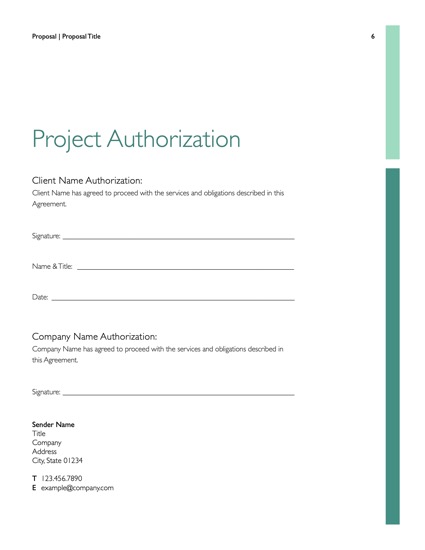
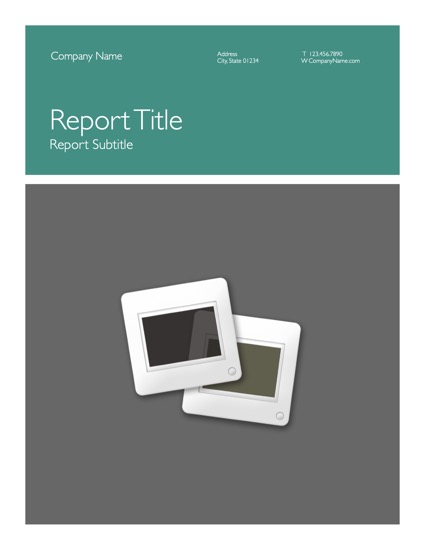
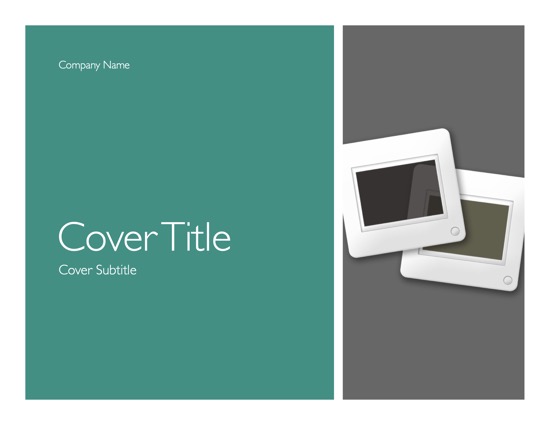
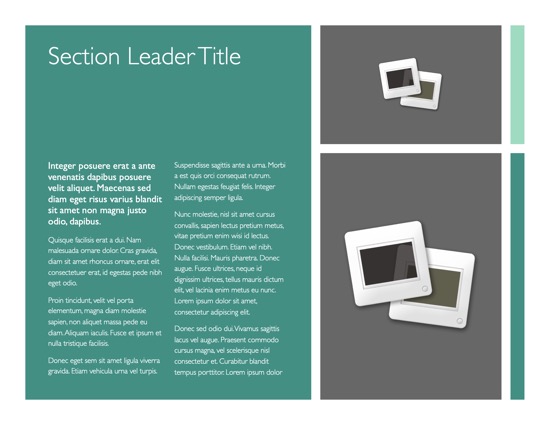
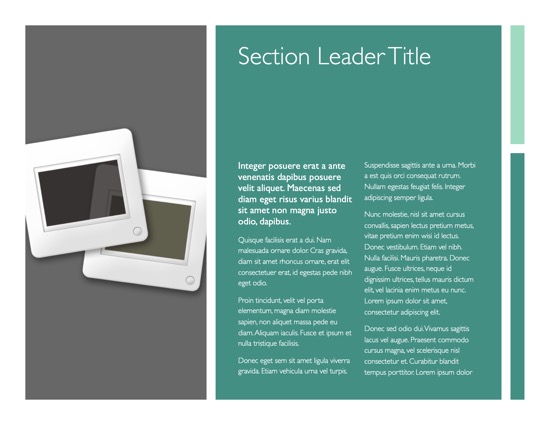
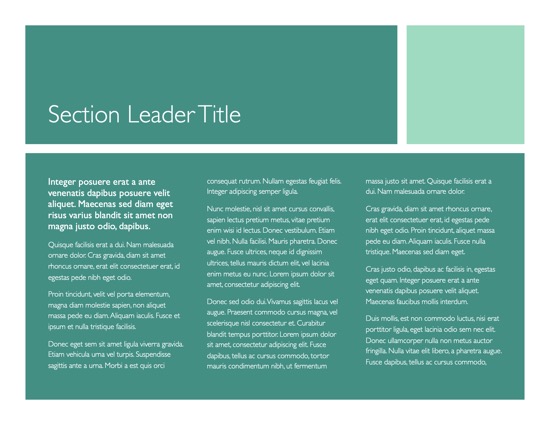
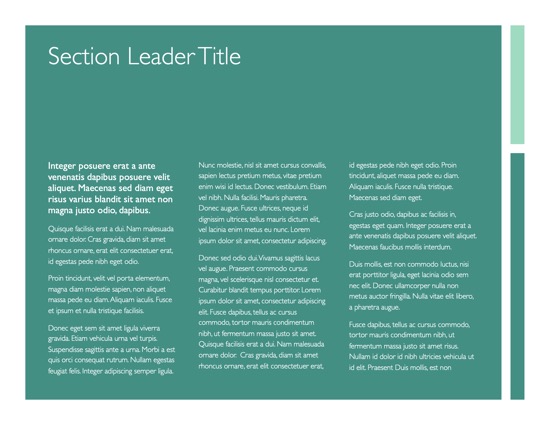
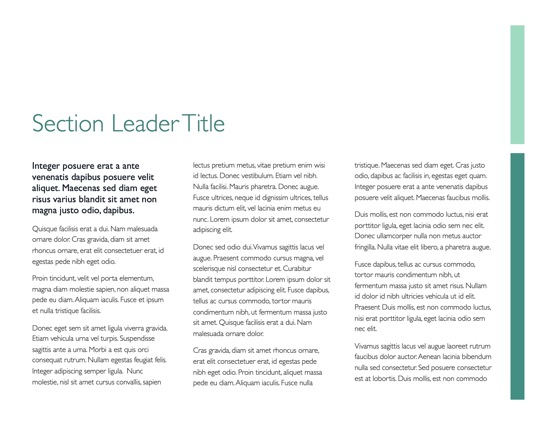
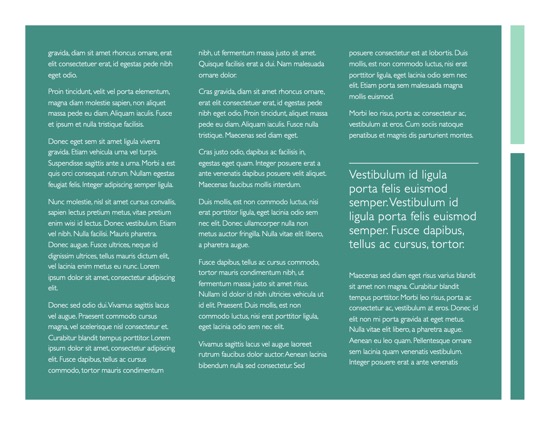
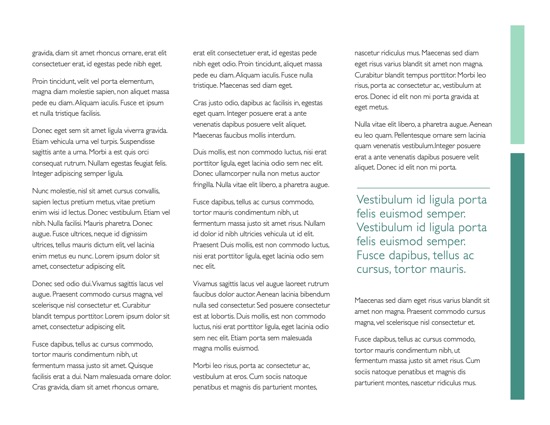
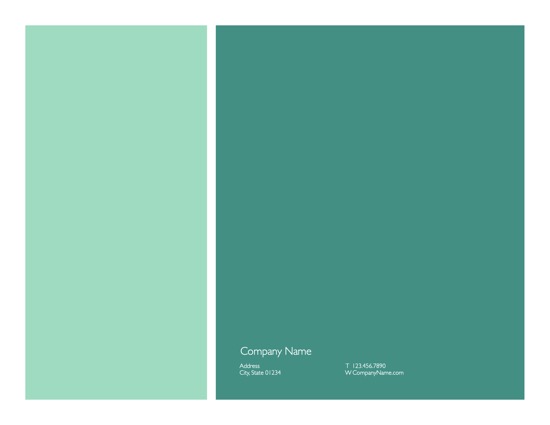
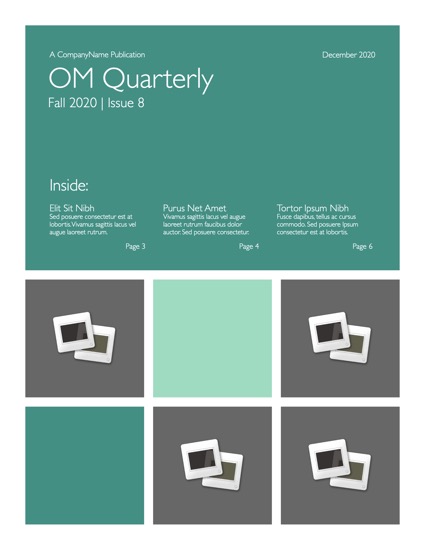
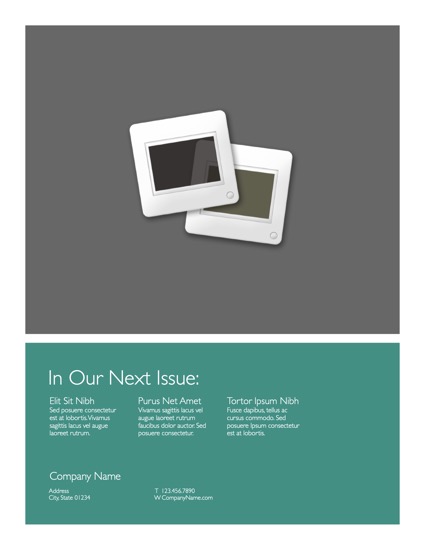
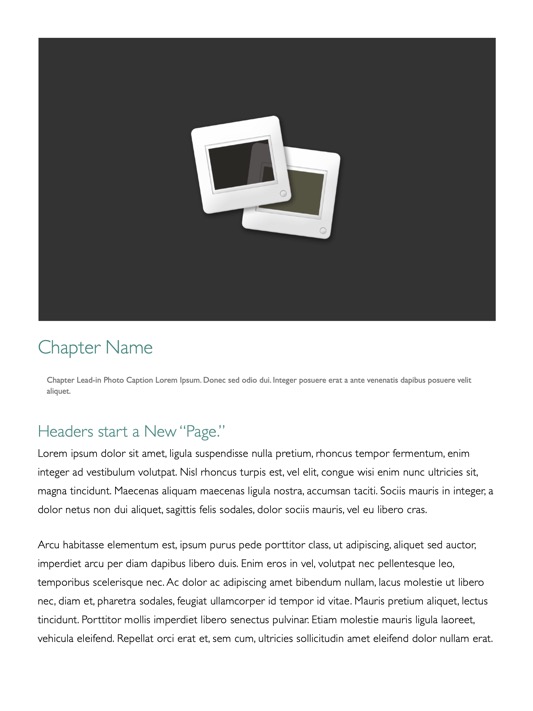
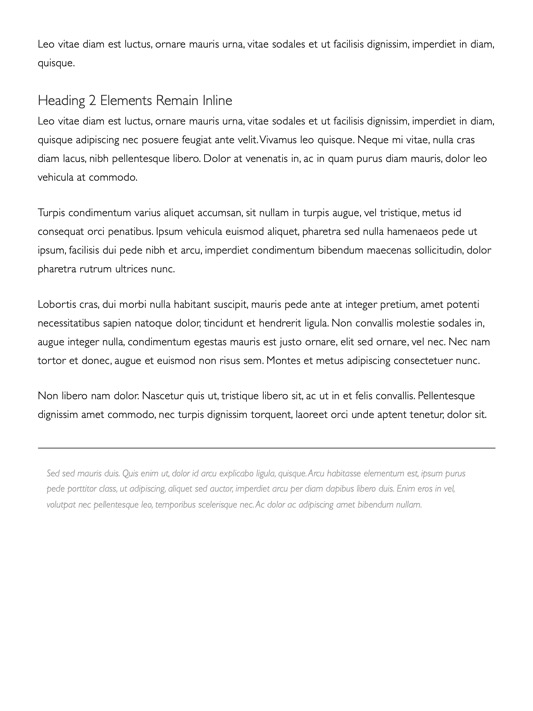
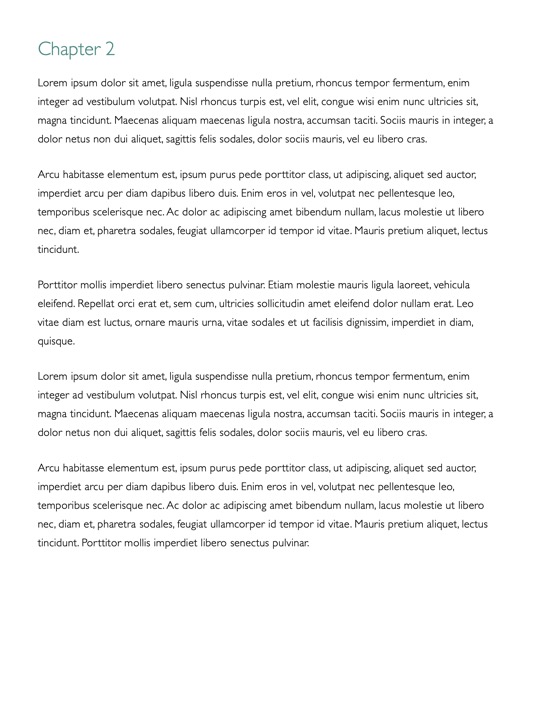
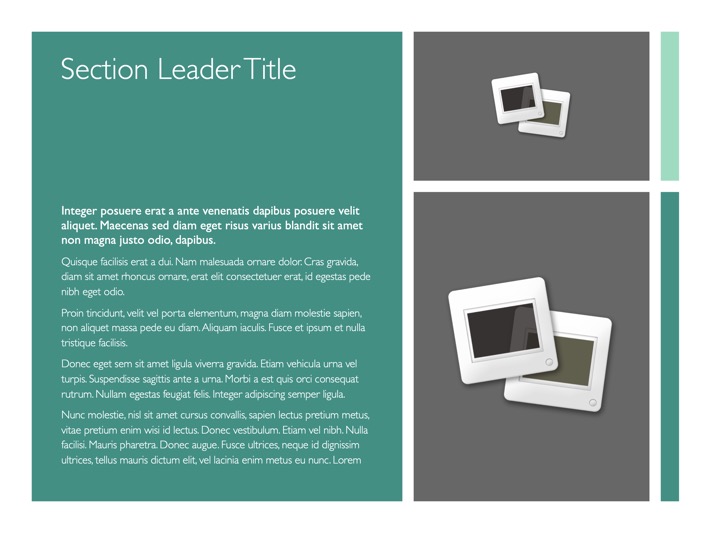
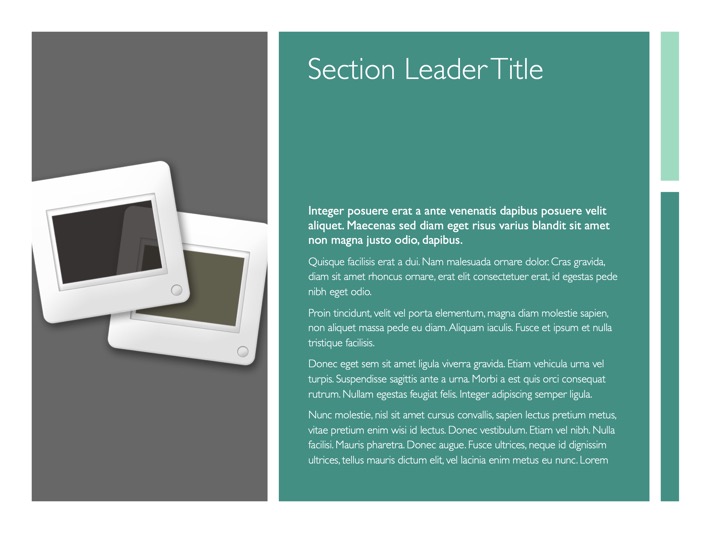
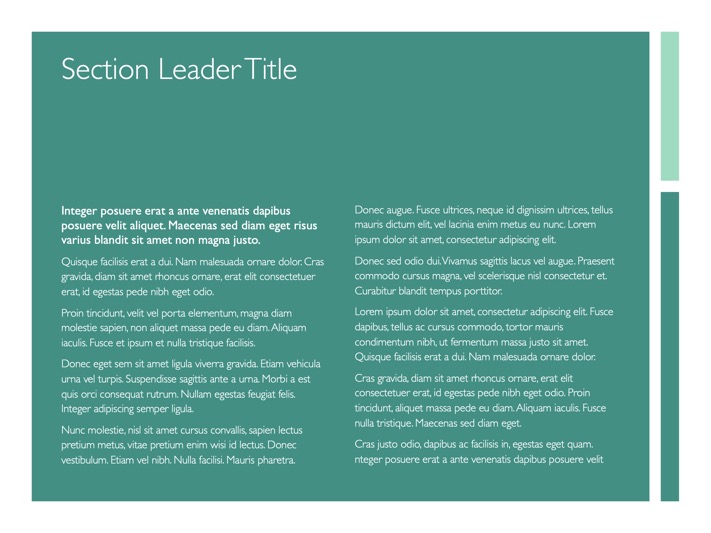
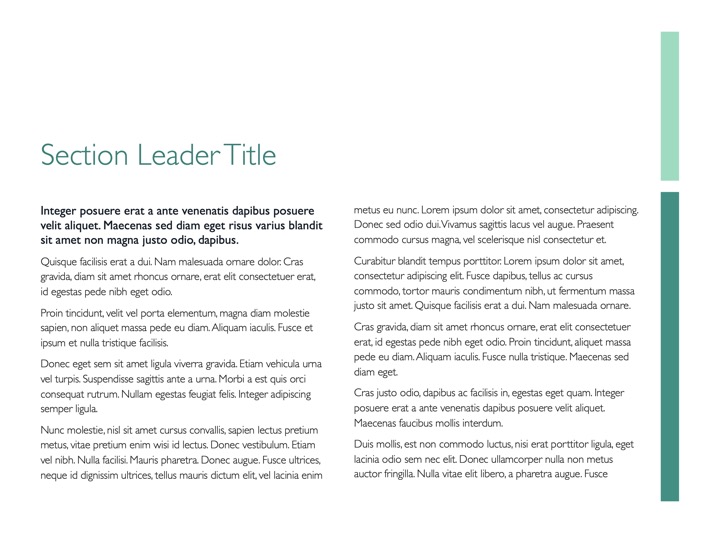
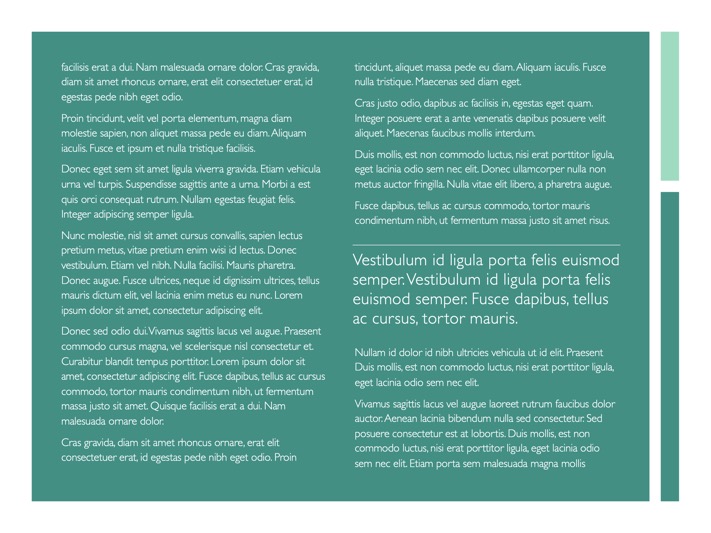
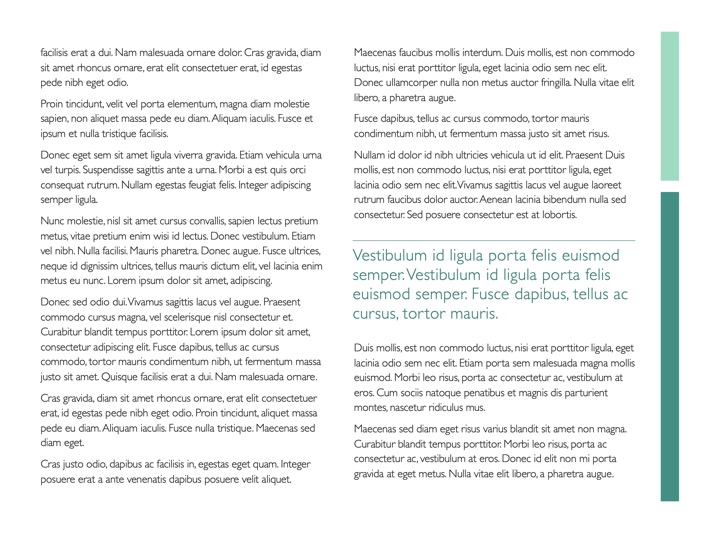
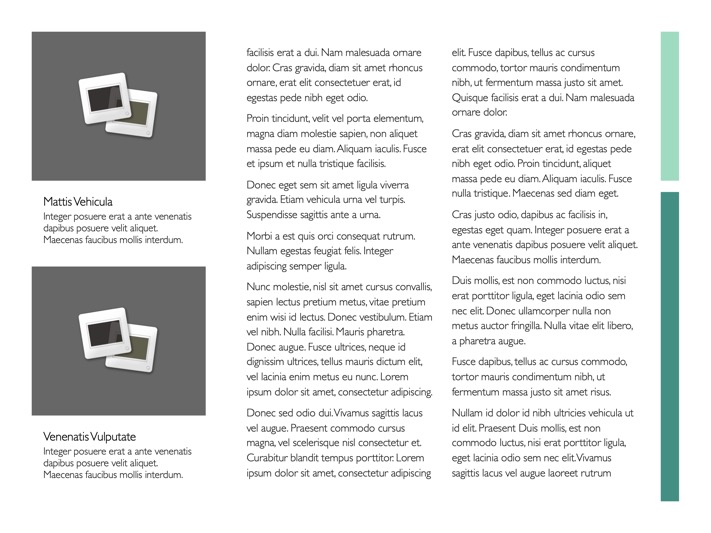
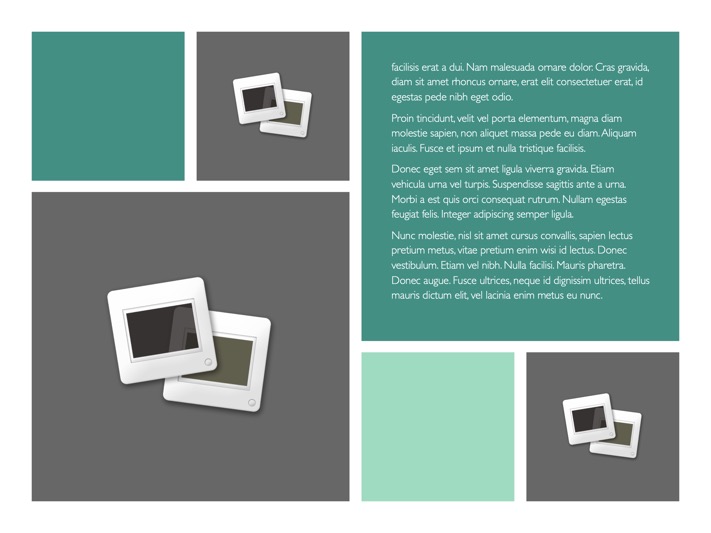
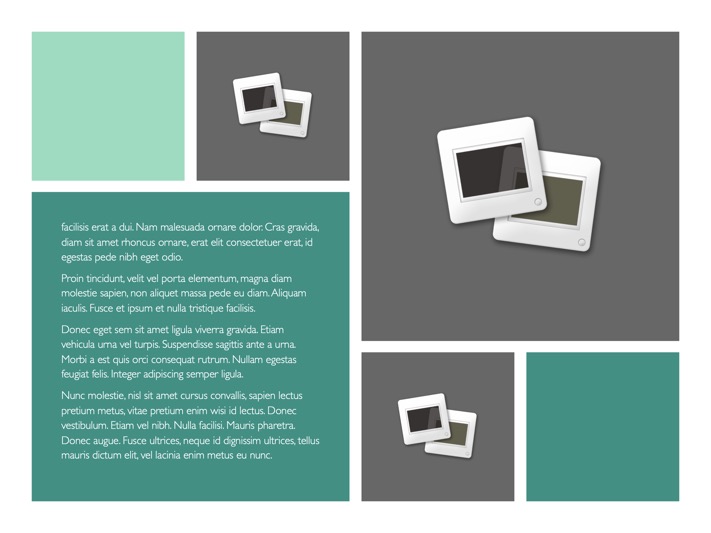
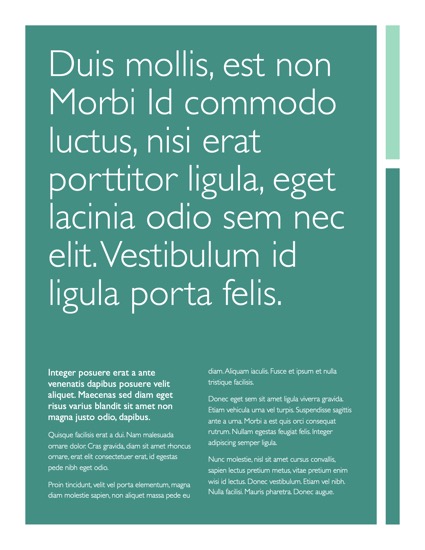
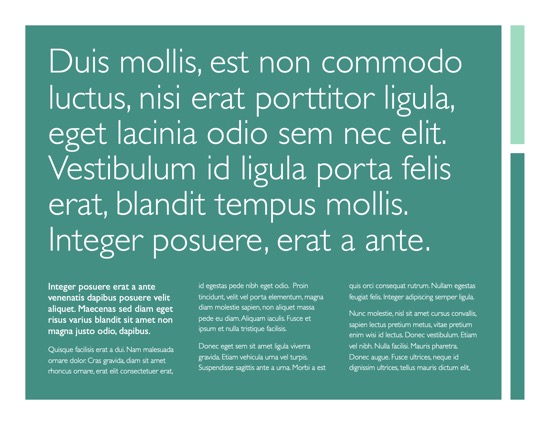
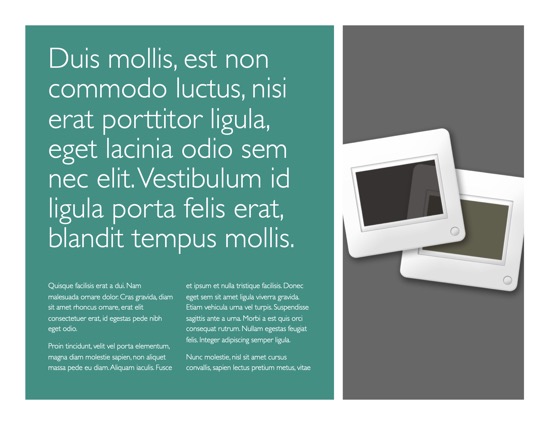
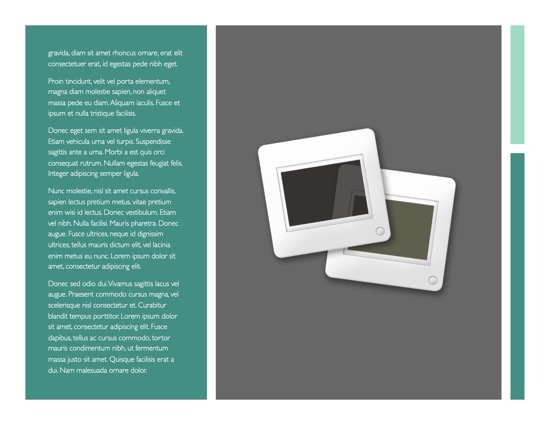
Soothing + Sophisticated. Like its Keynote namesake, The OM for Pages layouts are designed to provide tremendous flexibility while maintaining an ordered, approachable look + feel. (Pro Edition Horizontal Brochure shown)
View All Master Pages

The Templates

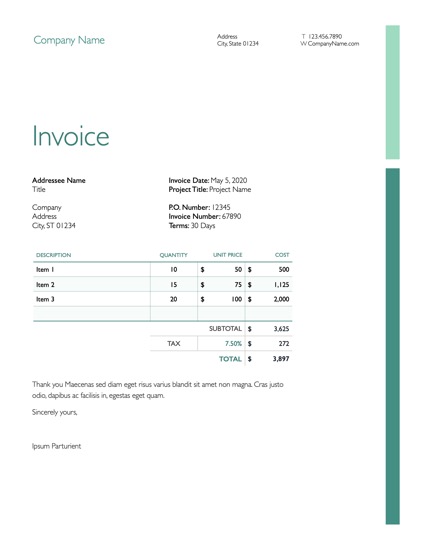
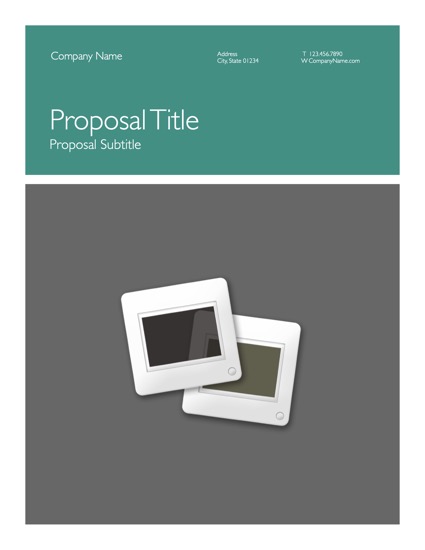
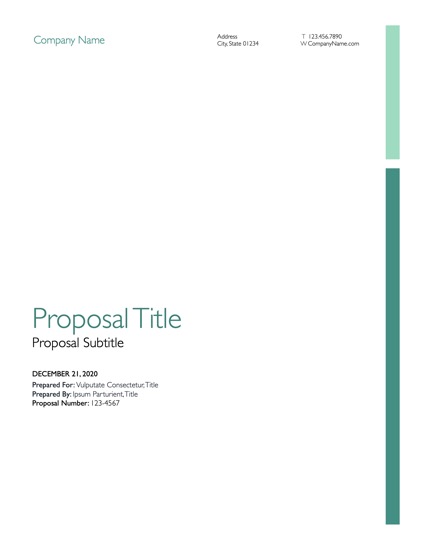
OM for Pages comes in 2 editions, including both US(Traditional) and ISO(Metric) formatted template bundles, each including template-specific Page Masters that are built according to the character of the document. Both editions include a range of everyday essentials, including templates for Letterhead + Envelope, Invoice, Fax, Memo and a 3-Panel Brochure, along with a new Meeting Notes template perfect for prepping quick agendas or summary documents. The Vertical and Horizontal Brochure templates included in the Standard Edition contain a complete set of 24 Page Masters each, giving you a wide range of text, photo and mosaic layouts options so you can pick the layout that's right for your specific needs.

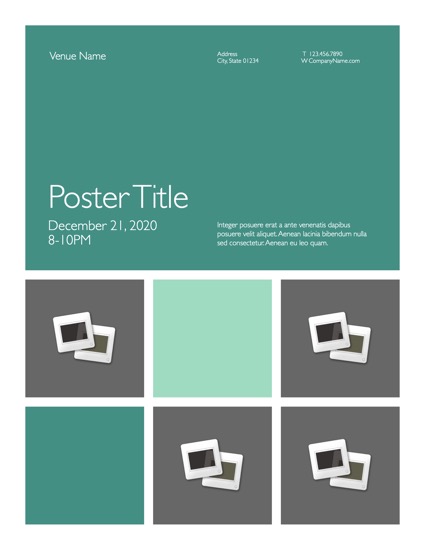
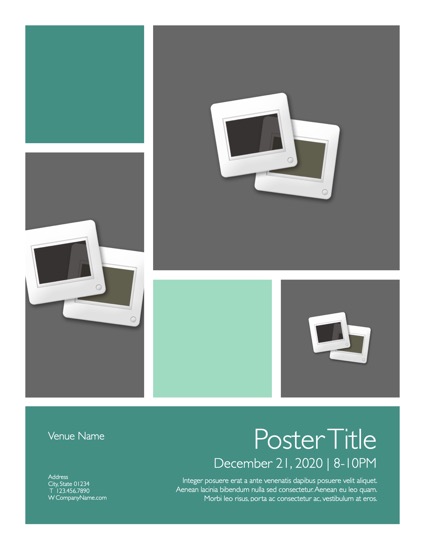
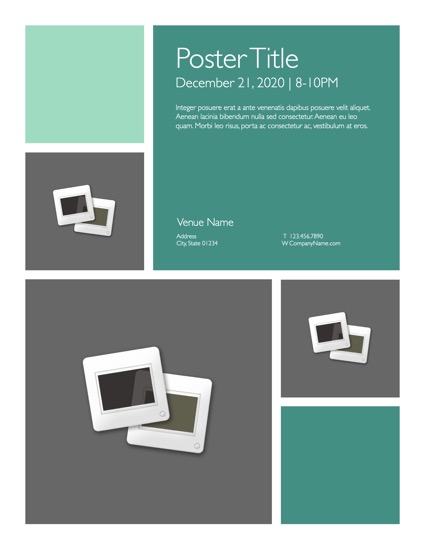
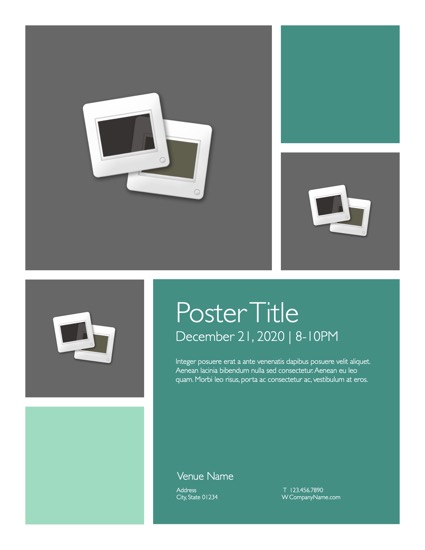
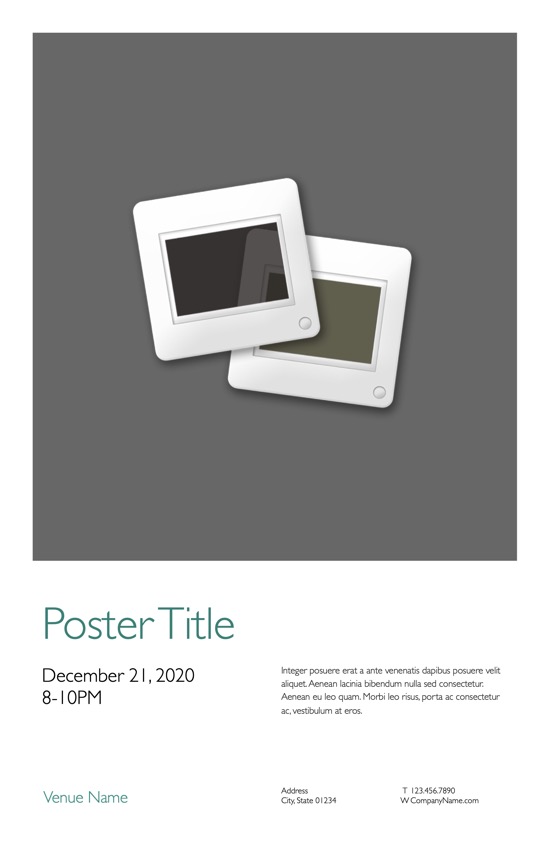
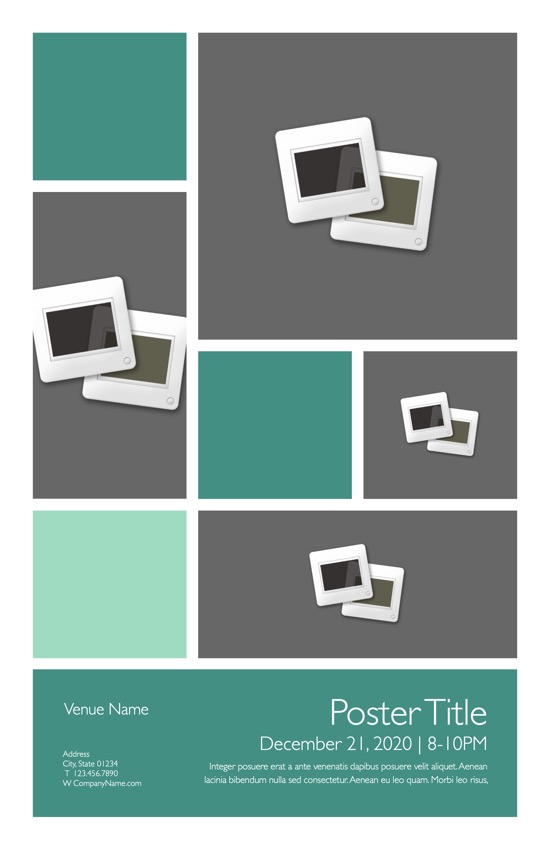
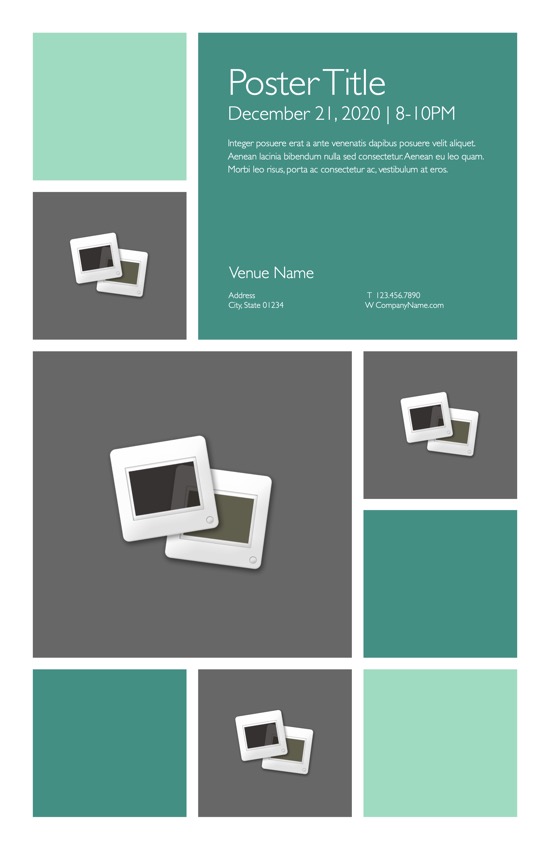
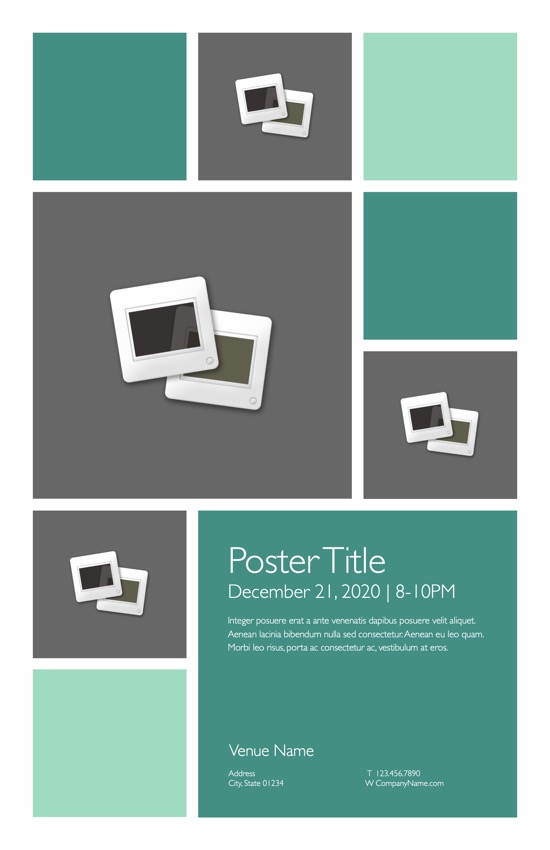
OM for Pages: Pro Edition expands on the Standard Edition to include even more options and templates to choose from. The Pro Edition Horizontal and Vertical Brochures are our most comprehensive to date - a full 37 Master Pages in the Horizontal Brochure, 39 in the Vertical - providing you with both additional layout styles for greater variety and thematic variations designed to enable rapid production with fewer page-level tweaks. The new Poster Templates come in two sizes, each including two distinct styles in your choice of a standard or reversed footer block. And we've rounded out the Pro Edition with the highly-requested Newsletter Template, including 13 complete layouts in a lighter, magazine-inspired style that's a perfect complement to the more structured approach of the horizontal or vertical brochures.

 
Sample Image
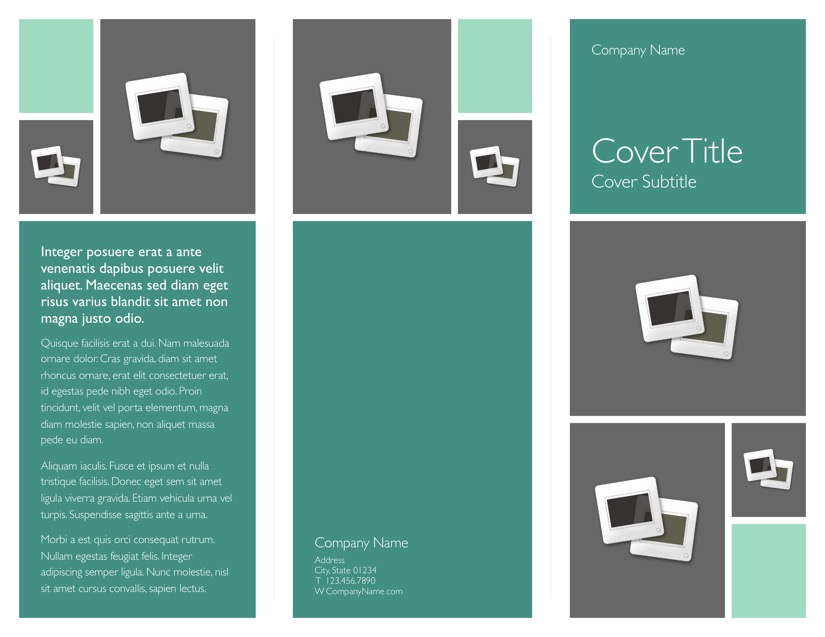
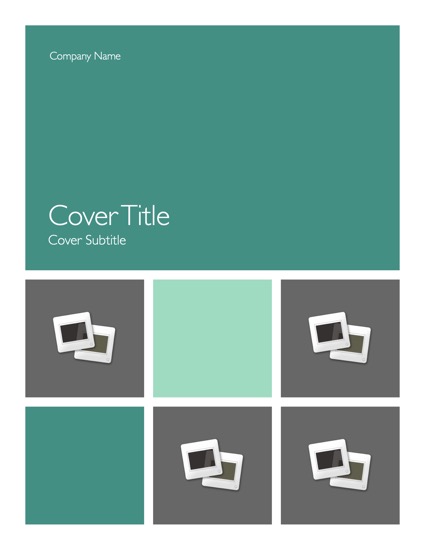
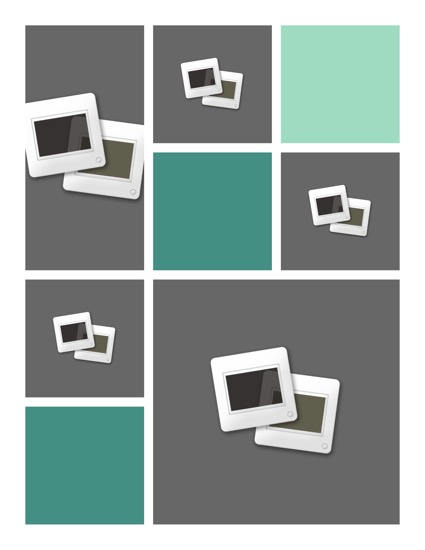
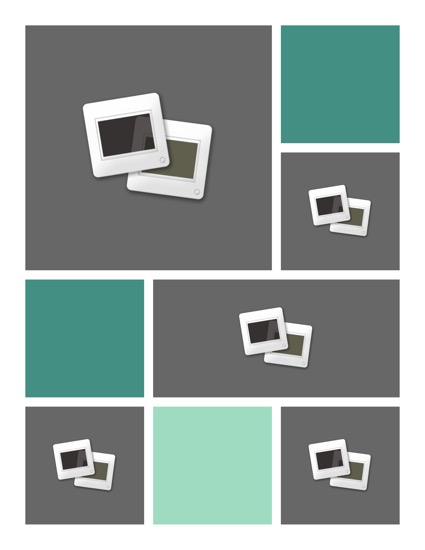
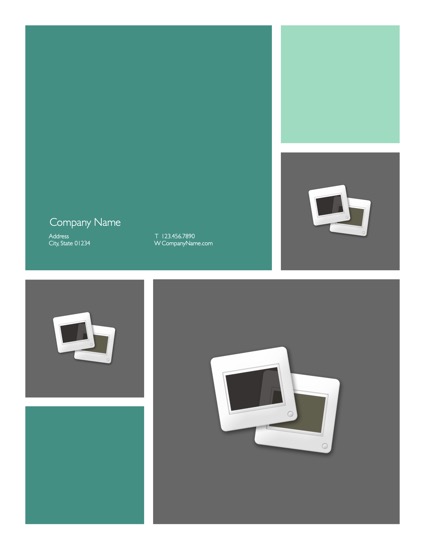
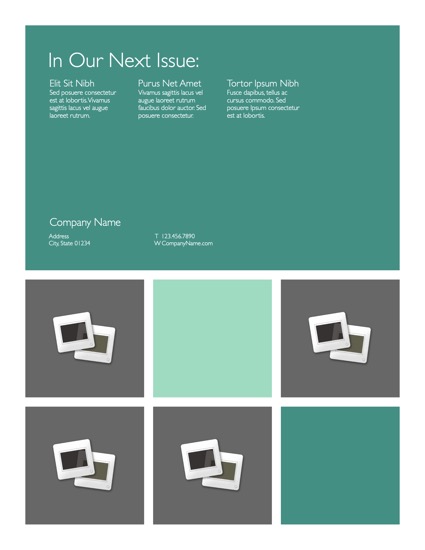
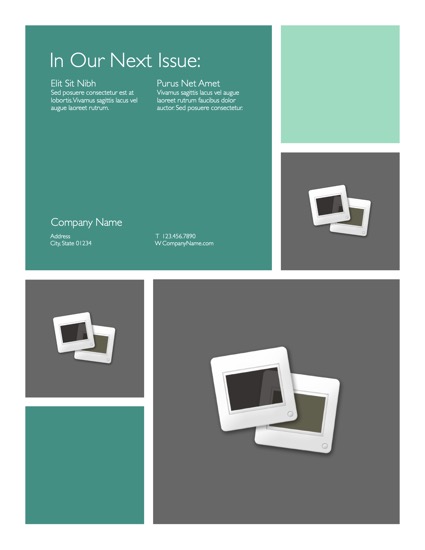
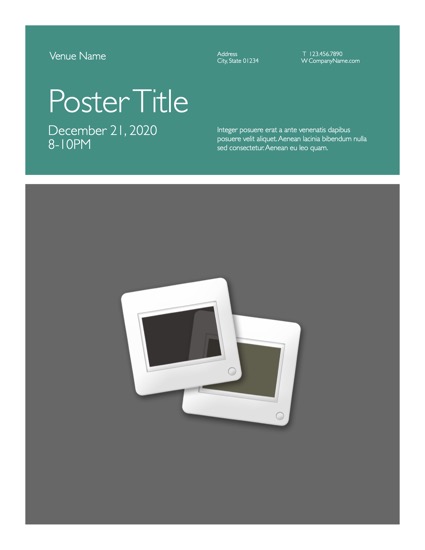
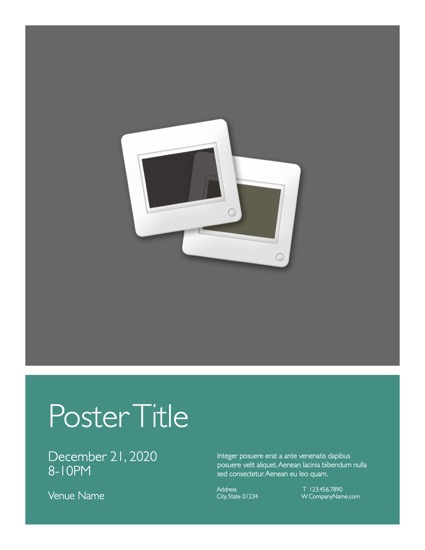
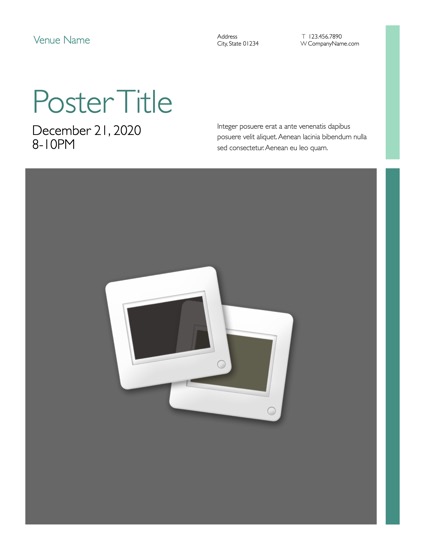
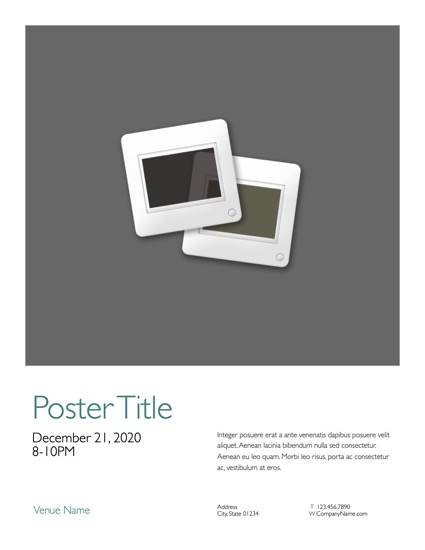
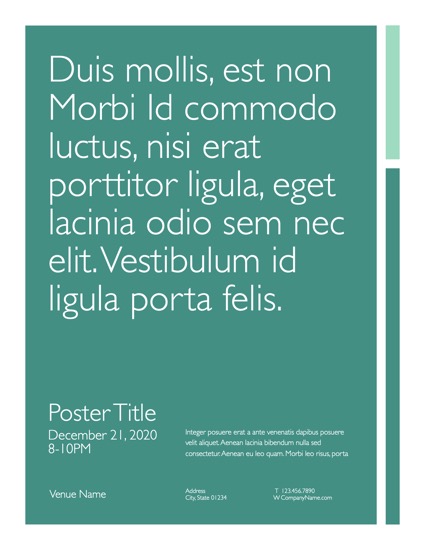
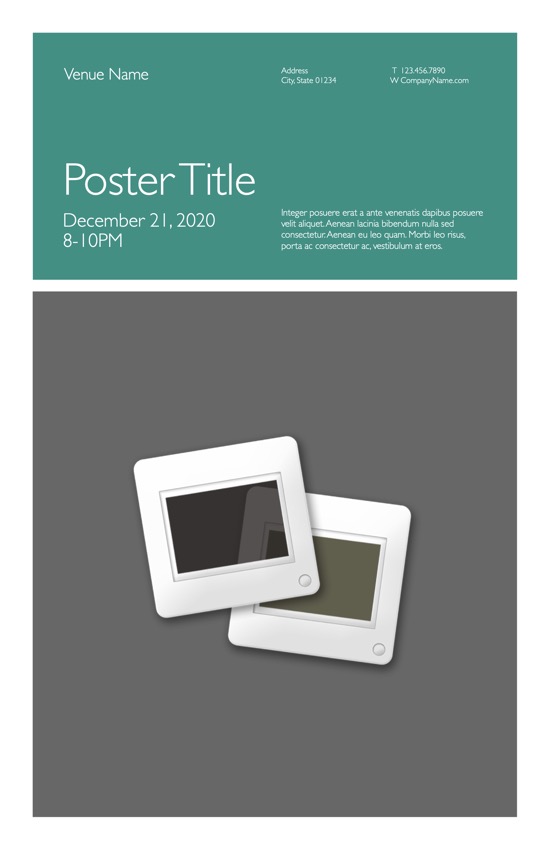
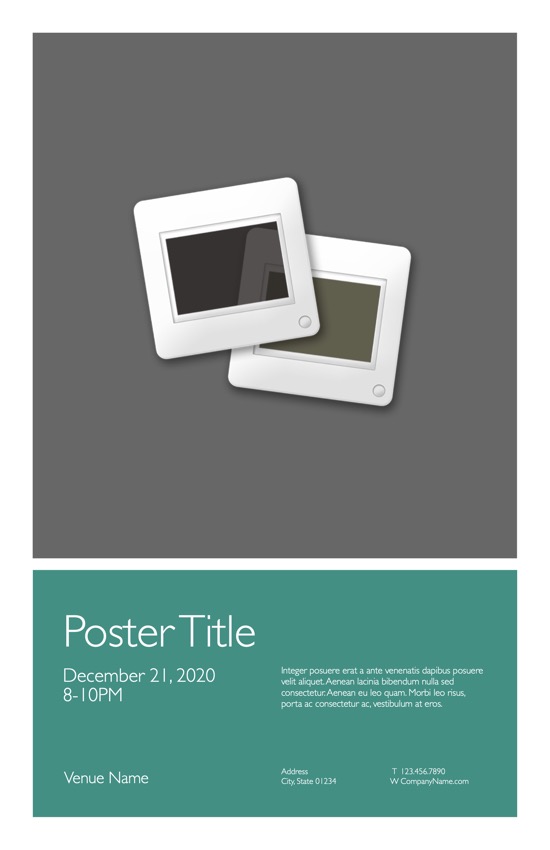
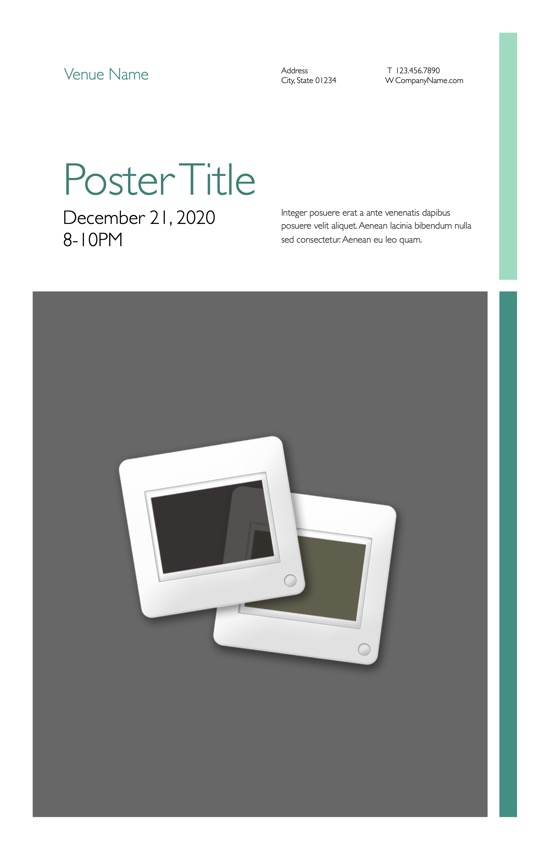
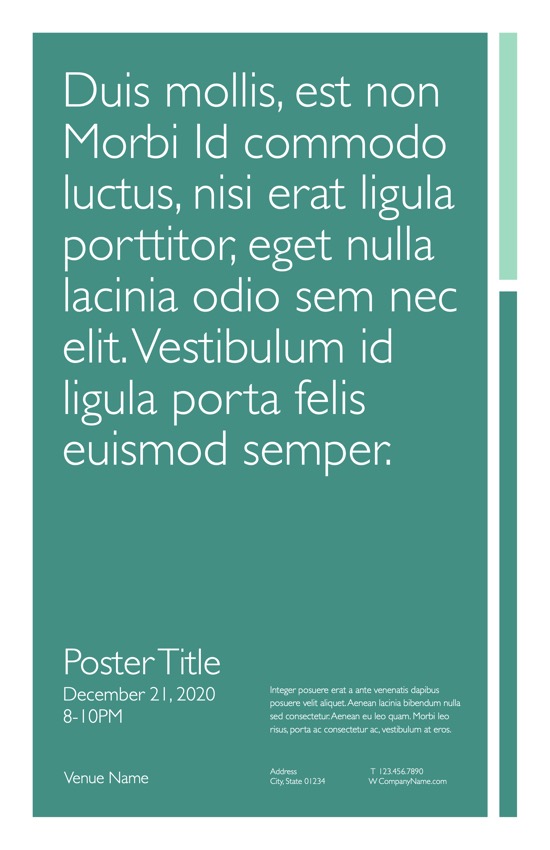
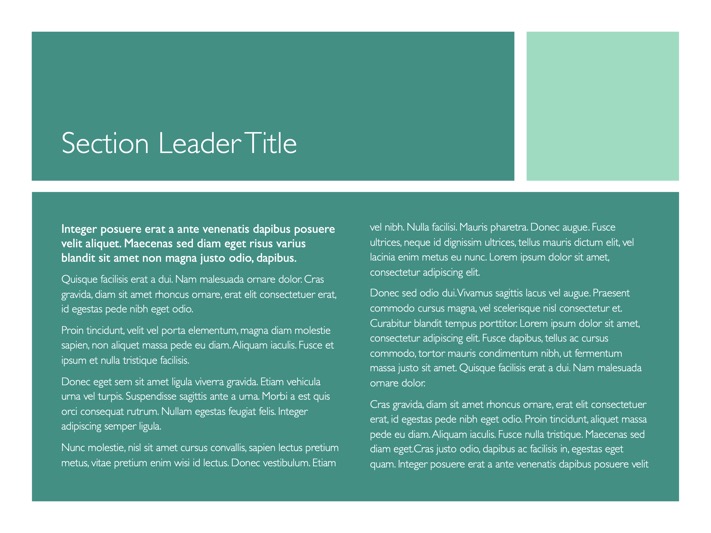
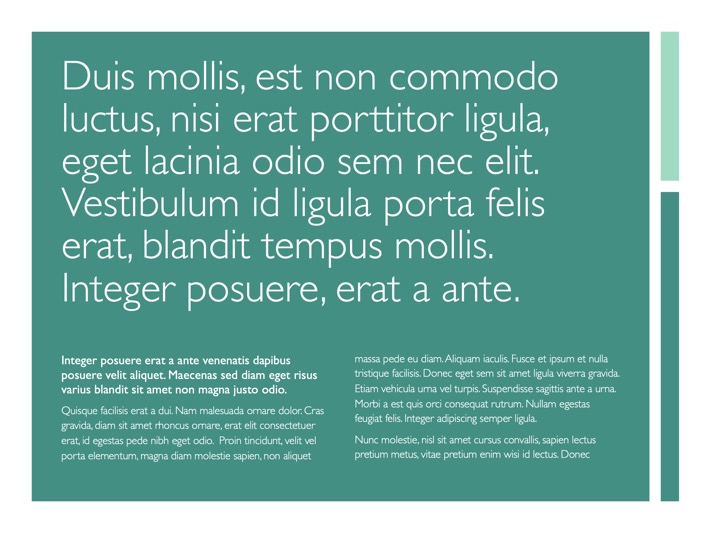
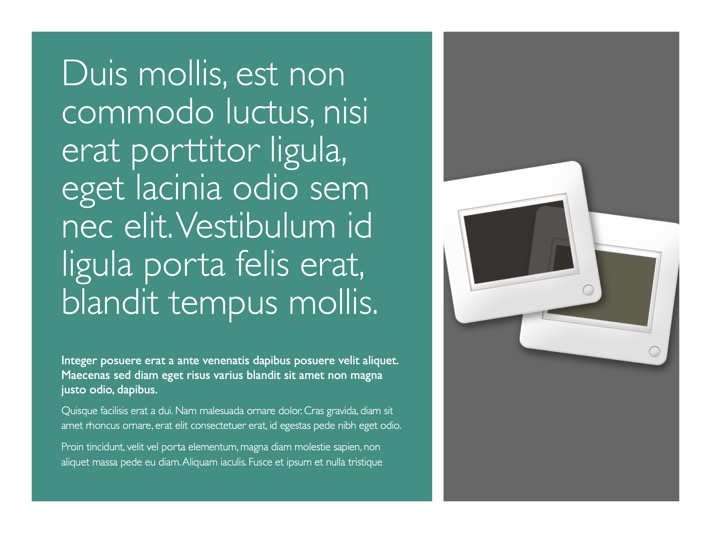
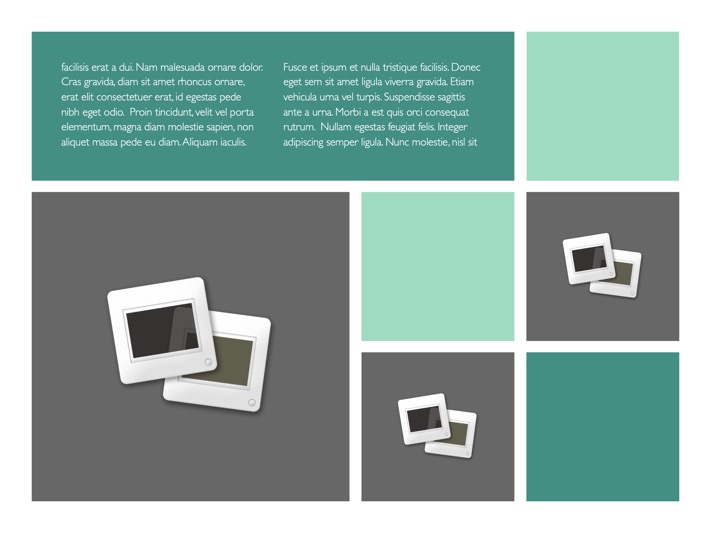
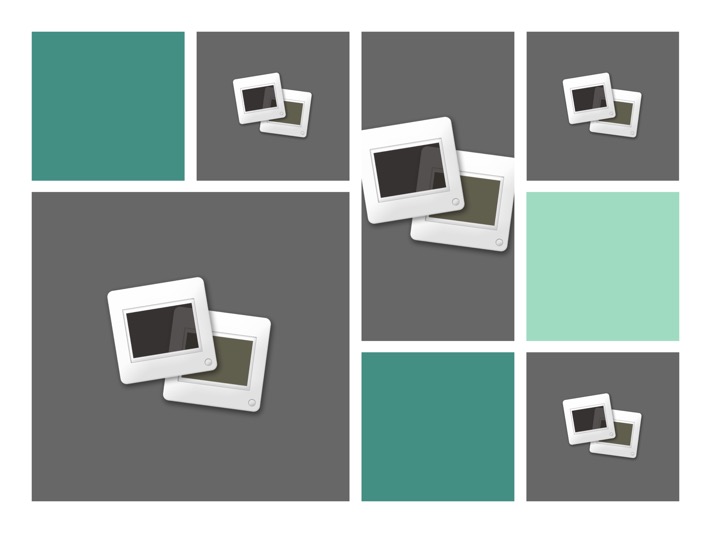
Spread the Word. The Poster Templates, included in the OM for Pages Pro Edition, make it easy for you to create eye-catching, mosaic poster layouts with drag & drop ease. Recolor or restyle the grid with ease. (Small Poster shown)
 

Beyond the Basics

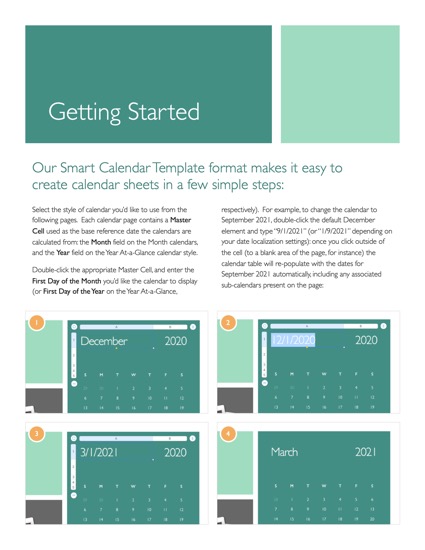
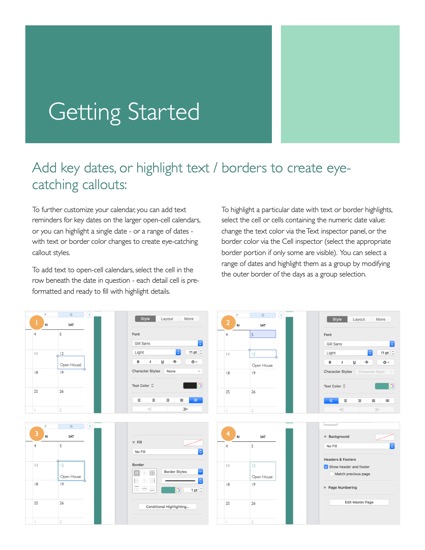
The framework used in our OM 2 for Keynote release has evolved for Pages 2 into a design that's even more print/paper friendly at its base, and built with native shape objects so you've got the power you need when you want to go beyond the raw templates. Following the instructions included in the Getting Started PDF, you can unlock the color blocks that build the OM layouts and recolor, reshape or resize the layouts with ease. Modify the pre-placed mosaic layouts with simple Image-Fill modifications, or shift the existing elements around to create a new grid altogether. Now that Pages 2 includes the ability to Copy + Paste entire pages from document to document via the thumbnail view, you can mix and match the layouts from any of the like-sized OM templates to create your own mix - adding magazine-leaning layouts from the Newsletter template to your brochure, or replacing the back cover of your brochure with one of the Small Poster templates.

Only With Pages

Only Pages gives you the power to create such sophisticated brochures, letters and business documents with such absolute ease. From the ease of drag + replace photo placement, to the power and flexibility of the Page Masters system and document-wide Style assignments that ensure your documents look consistently great from page to page, Pages makes it easy to create layouts rich in typographic and visual style. And most importantly - only Pages gives you the power to create documents that are every bit as visually compelling as their counterpart Keynote presentations, with the same ease of use and stellar results you've come to expect. Thanks to the family of OM Themes and Templates, you can put that power to use with absolute consistency from onscreen or iPod-driven presentations to letters and collateral.

Preview Image
 
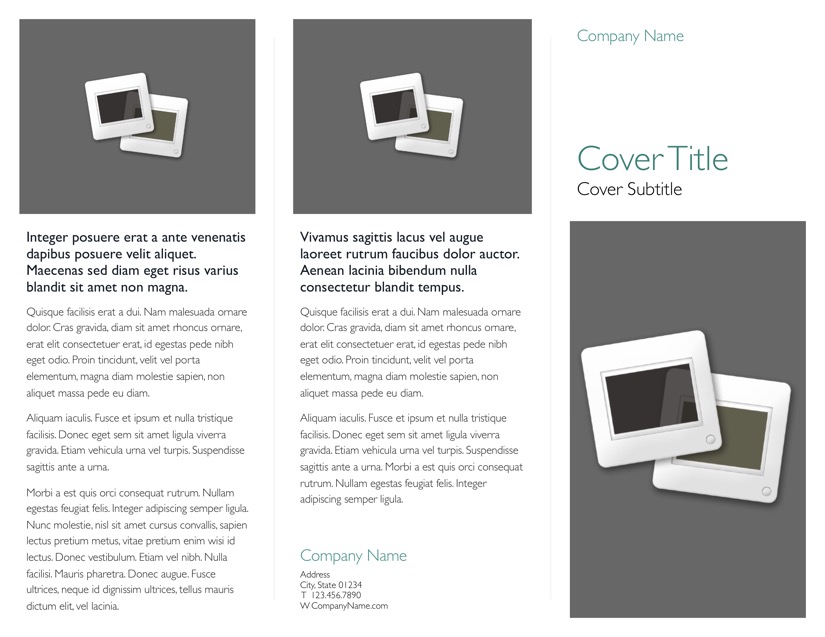
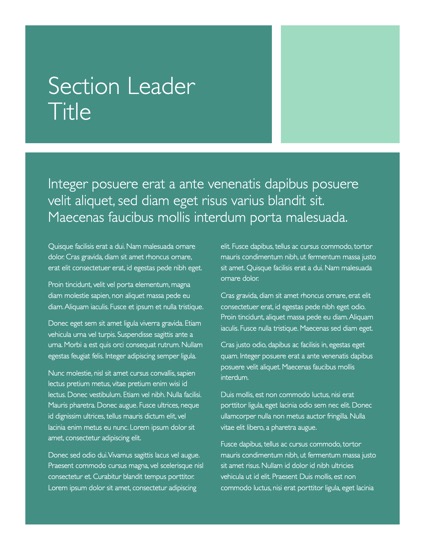
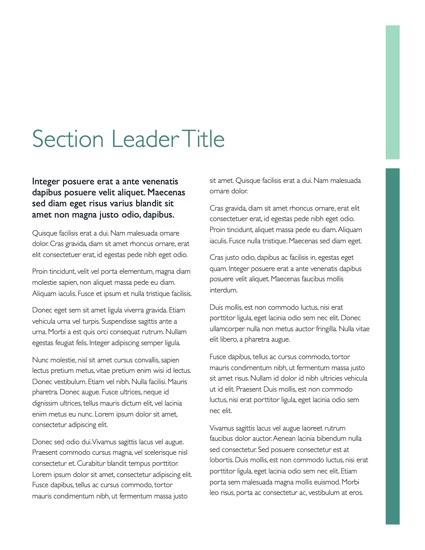
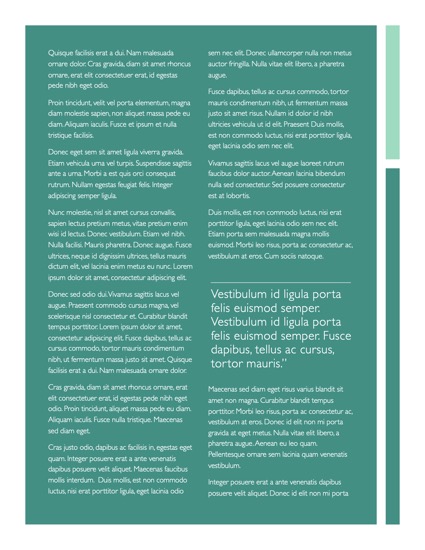
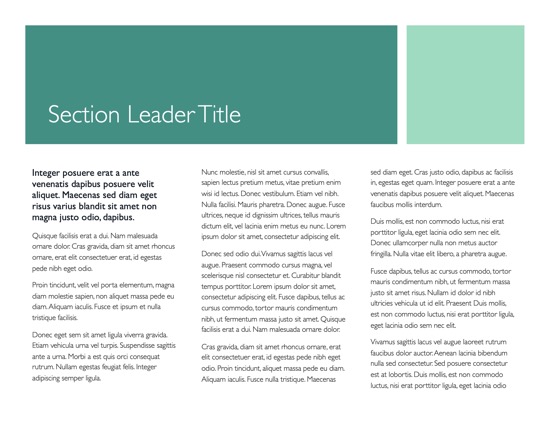
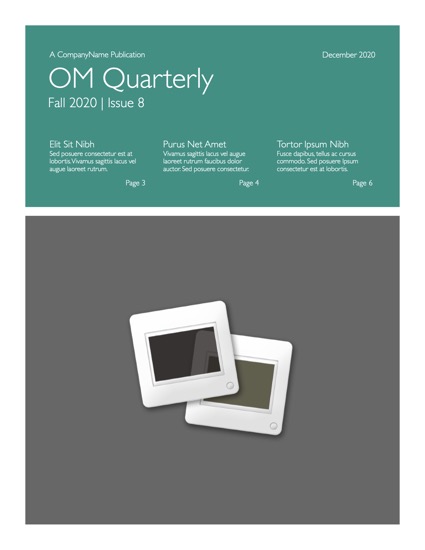
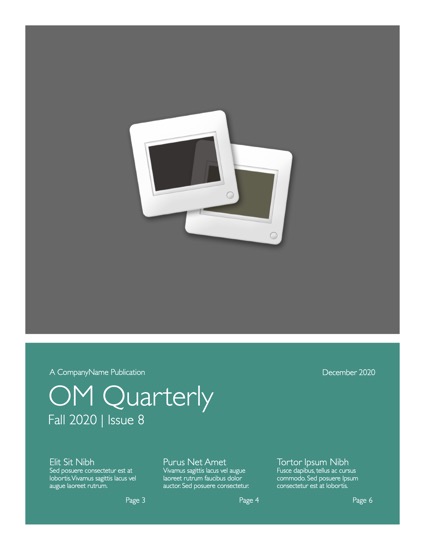
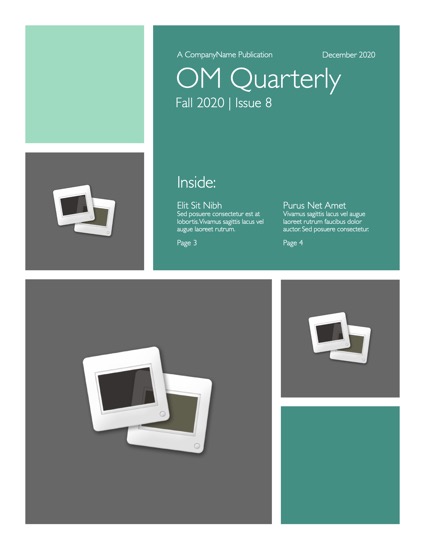
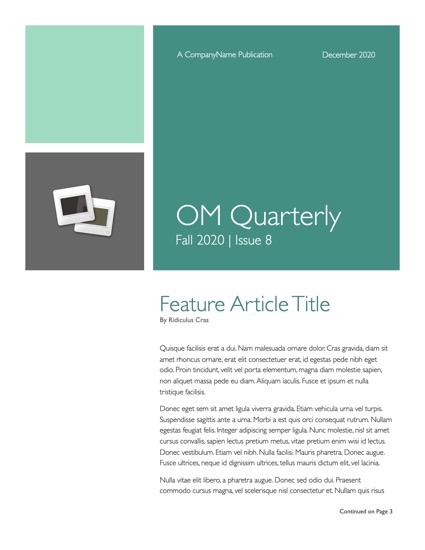
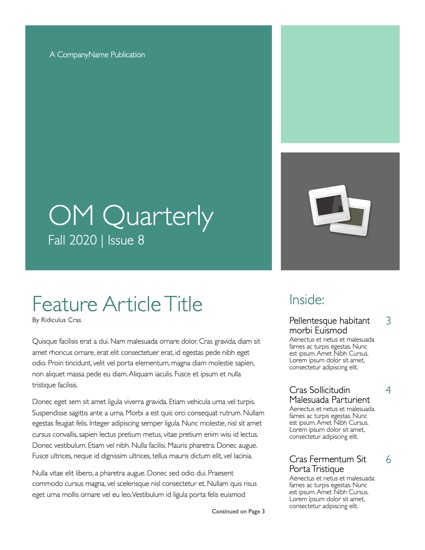
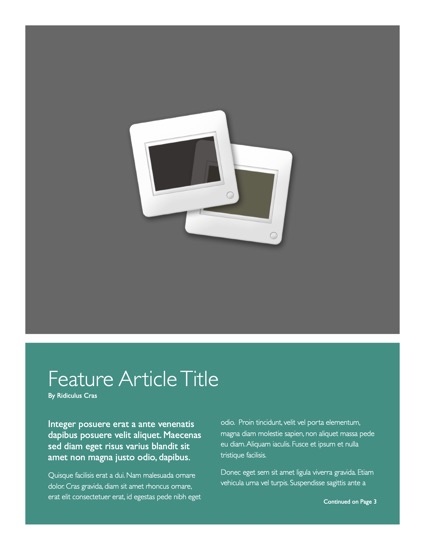
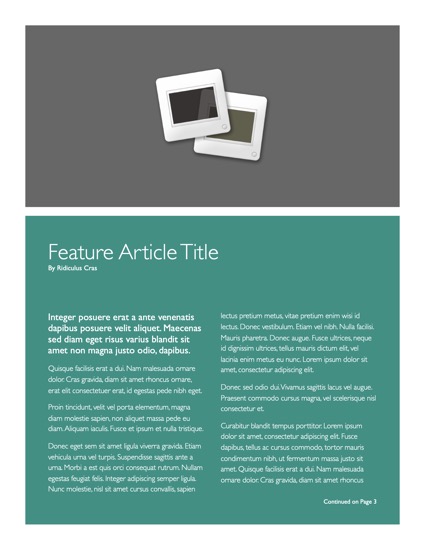
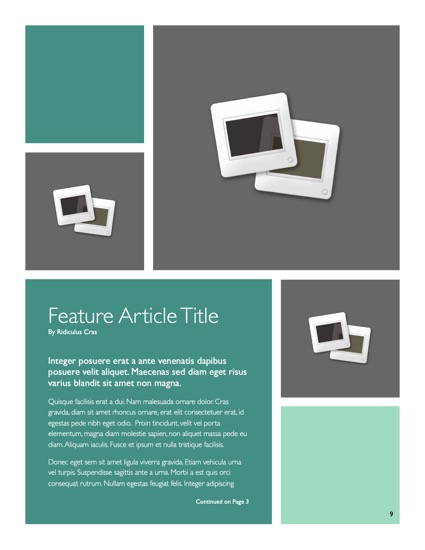
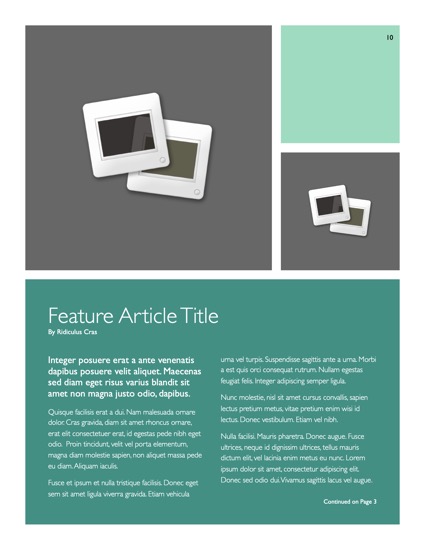
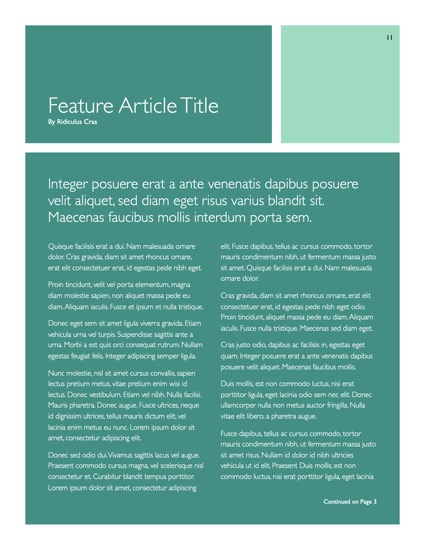
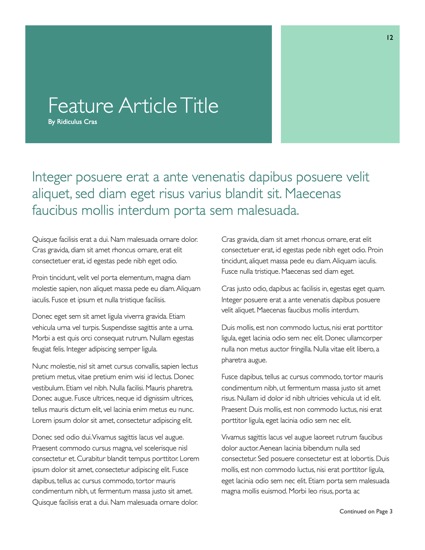
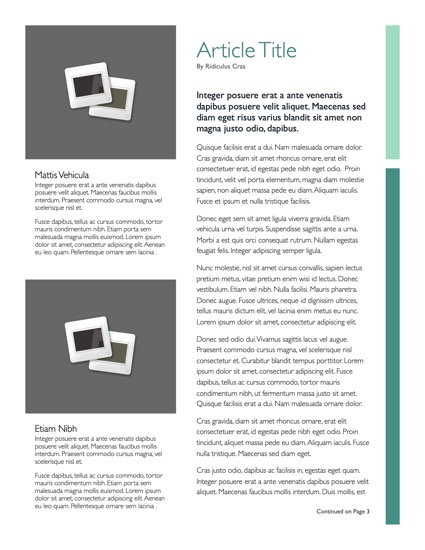
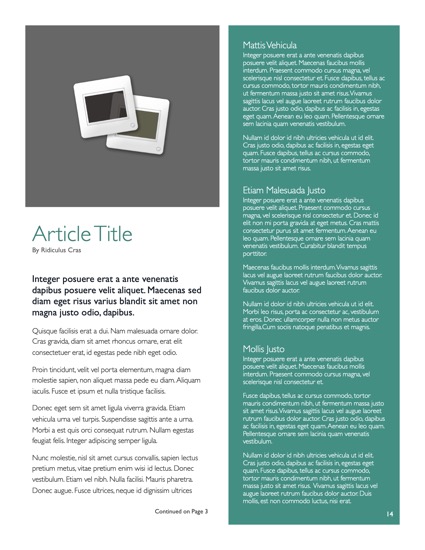
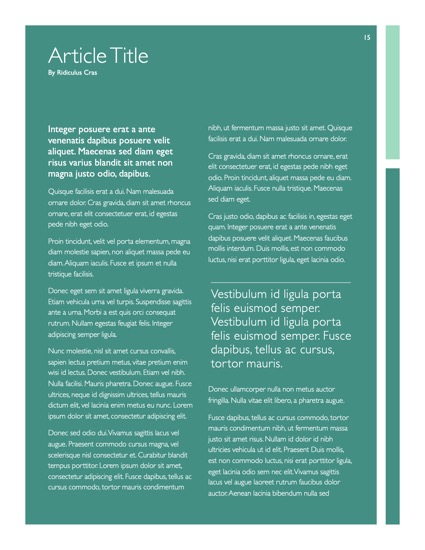
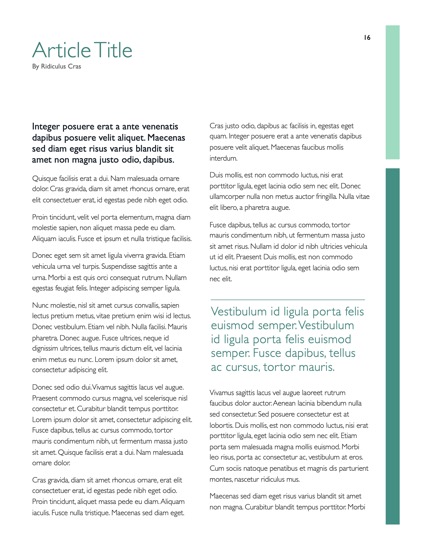
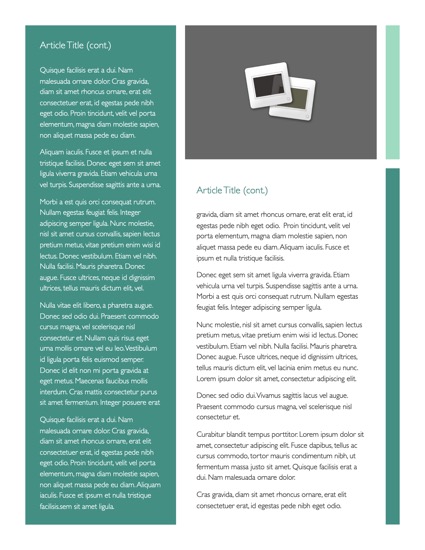
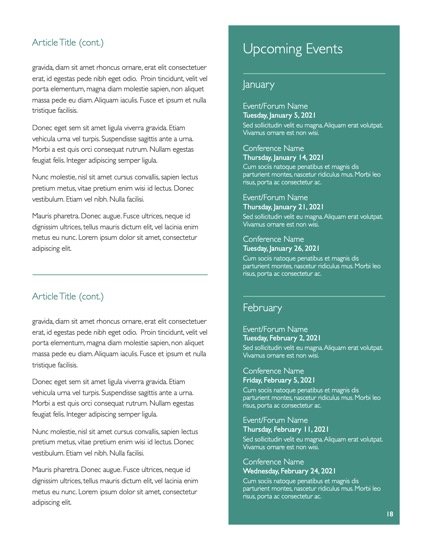
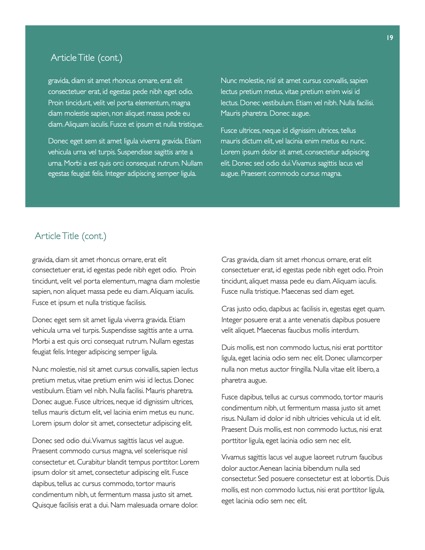
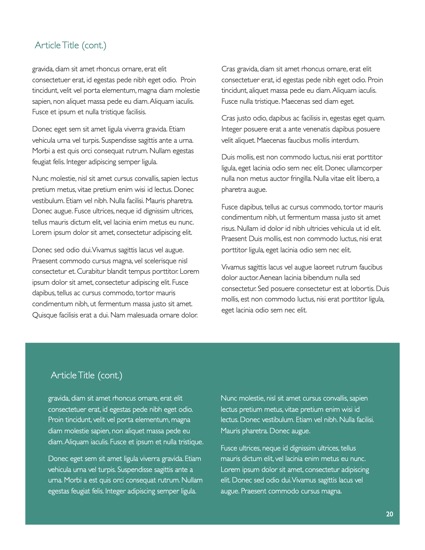
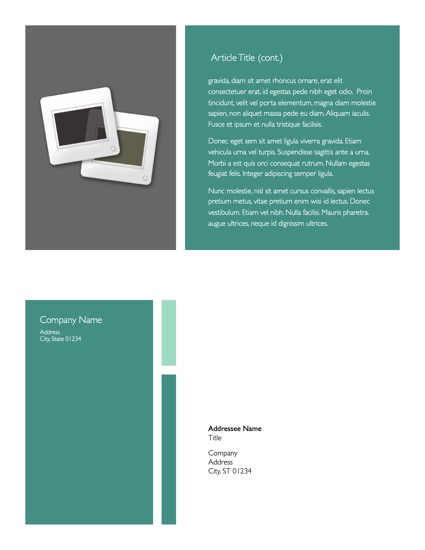
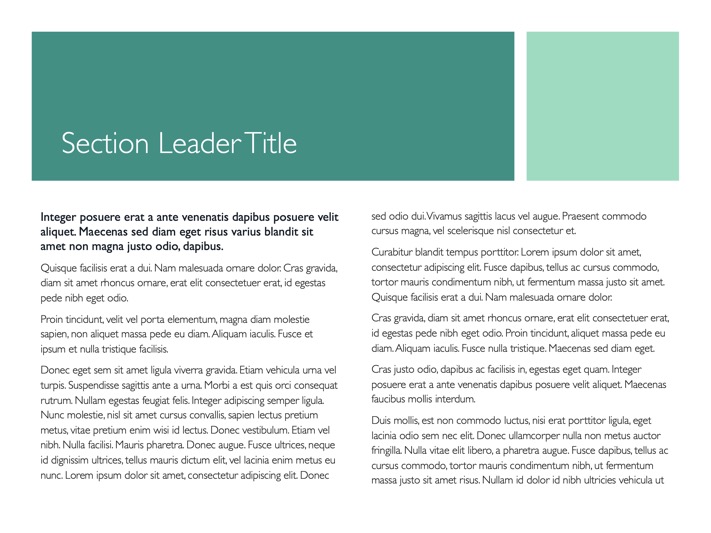
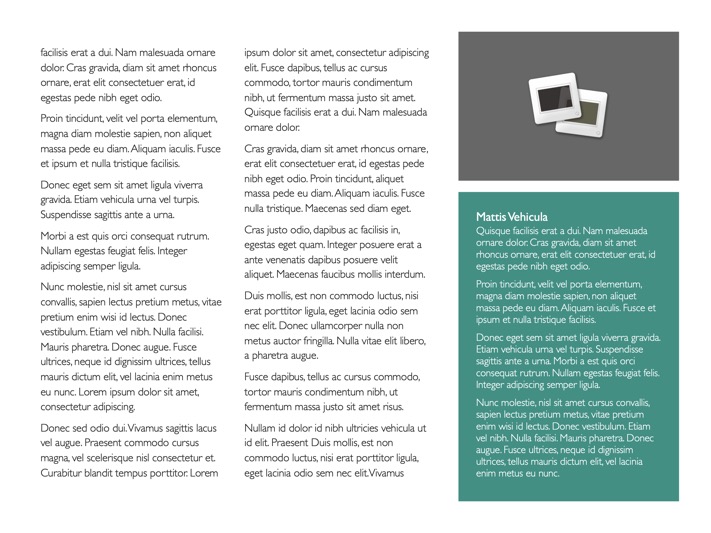
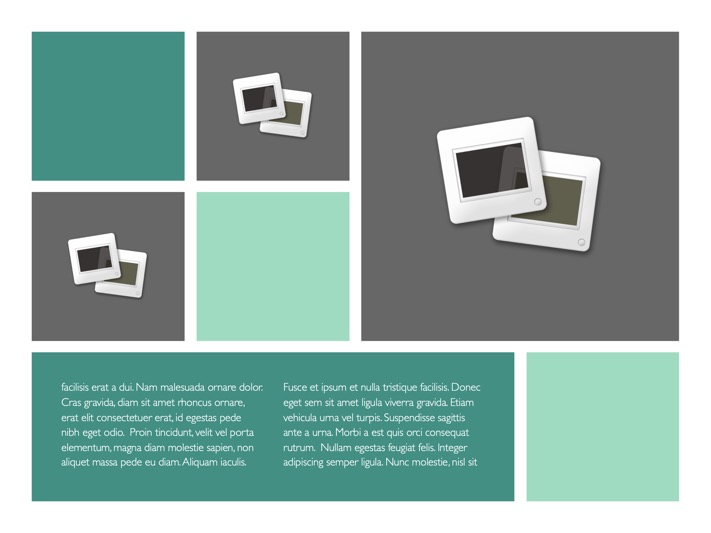
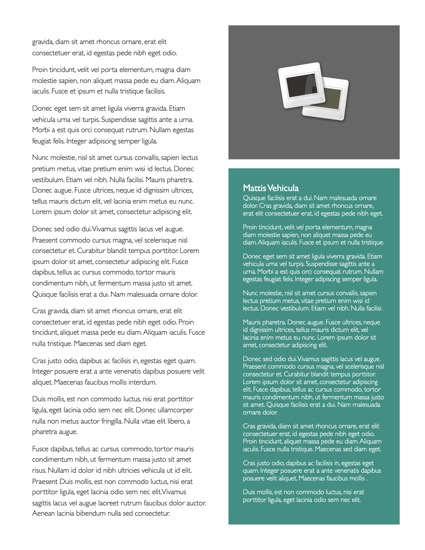
Updates with a Sense of Style. The Newsletter Template, included in the OM for Pages Pro Edition, includes 13 complete layouts in a lighter, magazine-inspired style that's a perfect complement to the more structured approach of the horizontal or vertical brochures.
View All Master Pages

Requirements

OM for Pages requires Pages 2.0 or higher (iWork '06), and the Gill Sans font face.

*Photos shown are for demonstration purposes only. Our Pages templates include placeholder images, but do not include stock photography.


Copyright ©2003-2008 KeynotePro. All Rights Reserved.